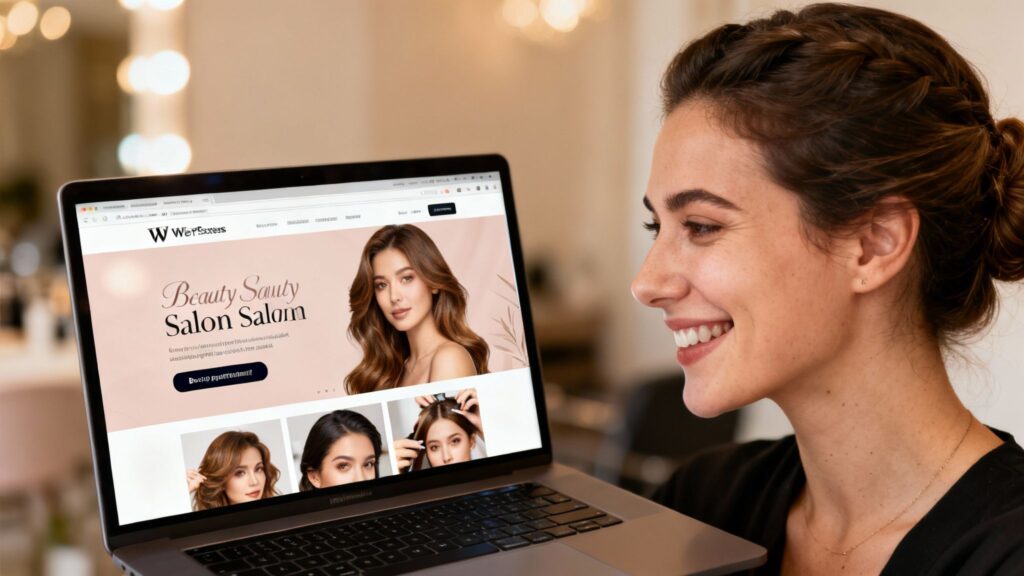
So, you’re thinking about building a website for your beauty salon using WordPress? It can sound a bit technical at first, but it’s often more straightforward than people expect—especially when you follow a clear process.
This guide shows you how to build a beauty salon website on WordPress step by step (and it also works well for an aesthetic clinic that offers treatments like facials, peels, injectables, or laser). The goal is simple: create a website that looks professional, builds trust, and helps clients take the next step—whether that’s booking, calling, or sending an enquiry.
Key Takeaways
WordPress is a practical platform because it’s flexible, widely supported, and easy to expand as you grow.
A good theme and strong visuals help you look credible—but structure and clarity matter just as much.
Service pages should be specific, easy to scan, and built around benefits + expectations + aftercare.
User experience (UX) improves bookings: mobile-first design, fast load times, and easy navigation.
Local visibility relies on local SEO for clinics, consistent details online, and Google Business Profile tips that keep your listing accurate and trustworthy.
Establishing Your Salon’s Digital Foundation
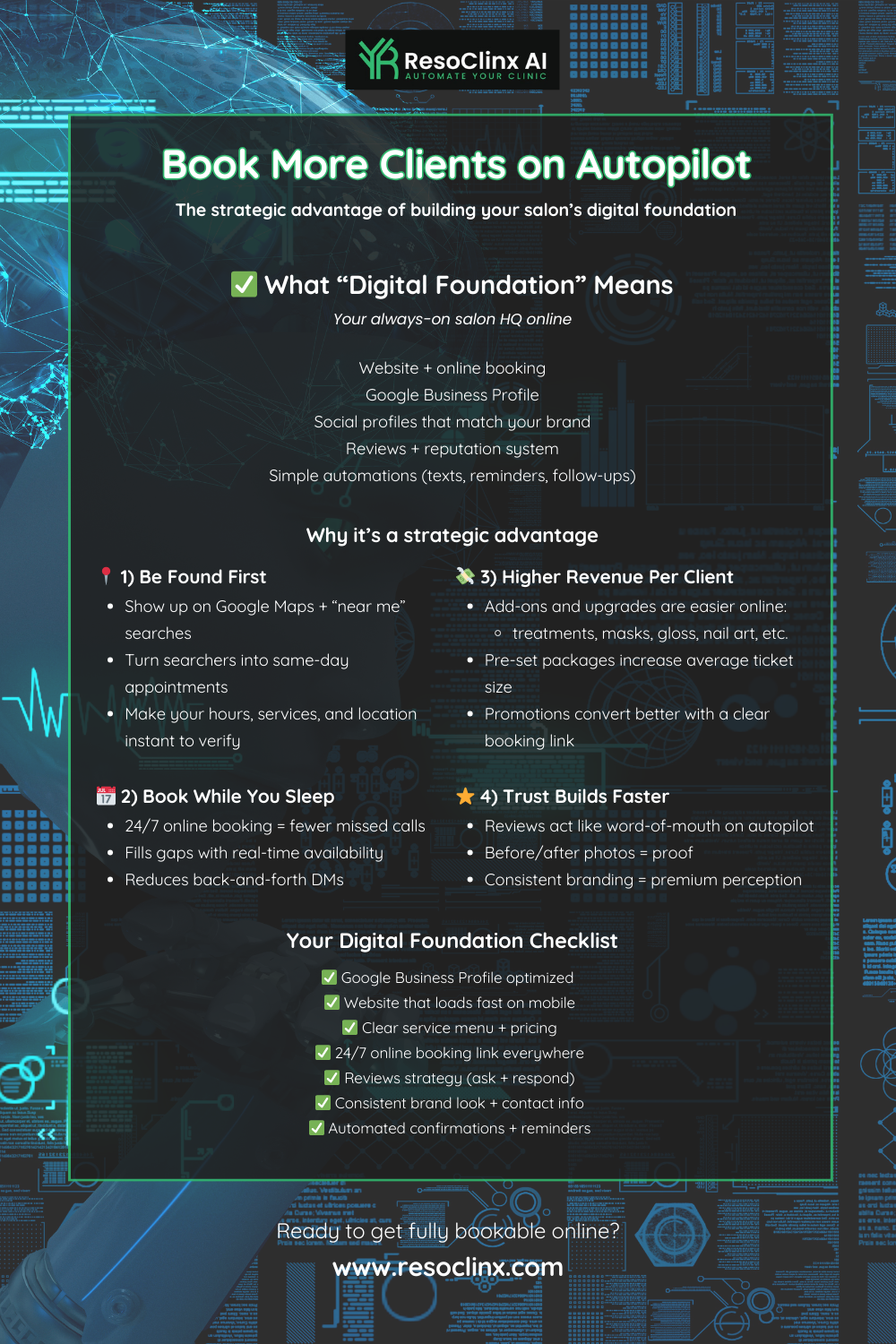
Before you think about colours, images, and booking systems, start with a strong foundation. These basics determine whether your site is stable, secure, and easy for clients (and search engines) to trust.
A good foundation also supports long-term growth. If you ever add online consultations, treatment pages, blog content, or new locations, you’ll be glad you set things up properly from day one.
Quick checklist to start strong
A clear website platform (WordPress)
A domain name that matches your brand
Reliable hosting with good speed and support
A basic structure that makes sense for clients (Home, Services, Prices, About, Contact, Book)
Choosing Your Website Platform: WordPress For Salon Success
When it comes to building a website, you’ve got options—but WordPress is a practical choice for many salons and aesthetic clinics. It’s flexible, widely supported, and has a large ecosystem of themes and plugins, which makes it easier to customise your site without being locked into one provider.
Why WordPress works well for salons and clinics
Customisable design: You can match your website to your brand style.
Scalable structure: Add pages, services, staff profiles, or blog posts as you grow.
Strong SEO foundations: WordPress can be set up in a way that supports search visibility.
Booking-friendly: You can integrate online booking, enquiry forms, and click-to-call buttons.
If your goal is to attract more clients through local search and build authority with helpful content, WordPress is a solid long-term option for aesthetic clinic marketing and salon visibility.
Securing Your Online Address: Domain Name Essentials
Your domain name is your online address—like www.your-salon-name.co.uk. It should be easy to remember, easy to type, and clearly connected to your brand.
What makes a strong domain name
Use your trading name (or as close as possible)
Keep it short and readable (avoid hyphens if you can)
Choose a trusted extension (for the UK, .co.uk is often a strong choice)
Avoid unusual spellings that people won’t guess correctly
If your exact name isn’t available, consider adding a simple location hint (for example, SalonNameManchester.co.uk)—but keep it clean and professional.
Reliable Hosting: The Backbone of Your Online Presence
Website hosting is the service that stores your website files and makes your site available online. It’s not the most exciting part, but it affects everything: speed, uptime, security, and user experience.
Why hosting quality matters
Client experience: People won’t wait around for slow pages to load.
Local SEO: Google tends to favour websites that load quickly and perform consistently.
Bookings and enquiries: If your website is down, potential clients can’t contact you.
What to look for in hosting
Strong uptime (your site stays online reliably)
UK-friendly support hours (help when you need it)
Easy WordPress setup + backups
Good performance (fast response time)
Getting this right early saves time and prevents headaches later.
Designing A Visually Captivating Salon Website
Your website is more than an online brochure—it’s your digital shopfront and often your first impression. A professional design helps clients feel confident in your standards before they ever step inside.
Great design isn’t just about looking pretty. It’s about making the site easy to navigate, easy to trust, and easy to use.
The goal of salon/clinic website design
Make your services instantly understandable
Make your brand feel consistent and credible
Help visitors find what they need in seconds (not minutes)
Selecting A Theme That Reflects Your Brand
Choosing a WordPress theme is like choosing the overall look and layout of your website. Look for themes that are modern, clean, and built for service-based businesses.
What to check before choosing a theme
Visual style: Does it feel premium and aligned with your salon/clinic vibe?
Mobile responsiveness: Does it look great on phones?
Customisation: Can you change fonts, colours, layouts, and headers easily?
Speed: Is the demo lightweight and quick to load?
Service layouts: Does it support clear service sections, galleries, and contact details?
Tip: A theme that looks stunning in a demo can still be hard to use if it’s overloaded with features. Prioritise clarity and usability.
Customising Your Theme For A Unique Look
Once you’ve chosen a theme, the customisation stage is where your brand comes to life. Your website should feel like an extension of your salon—not a template.
Branding essentials to customise
Logo + colours: Keep them consistent across every page.
Typography: Choose fonts that look professional and are easy to read.
Homepage structure: Make your value obvious within the first screen.
Real imagery: Use authentic photos of your space, team, and results wherever possible.
Make your homepage work harder
A strong homepage usually includes:
A clear statement of what you do (e.g., skin treatments, brows, laser, hair, beauty)
A simple next step (Book, Call, or Enquire)
A quick overview of your most in-demand services
Trust signals like reviews, credentials, or before/after examples
Your website should feel intentional. Every element should support trust, clarity, and action.
Crafting Compelling Service Pages
Service pages are where many bookings are won or lost. Each service page should answer the questions clients actually have—without forcing them to call for basic details.
What to include on every service page
Clear service name (and avoid internal jargon)
Who it’s for: Explain the ideal client or concern.
What happens: Describe the process in simple steps.
Benefits: Explain outcomes without overpromising.
Timing + pricing guidance: Be upfront, even if pricing varies.
Aftercare: Especially important for aesthetic clinic treatments.
FAQs: Answer common concerns (pain, downtime, longevity, suitability).
Call to action: Book, enquire, or request a consultation.
If you offer aesthetic treatments, be cautious with claims. Avoid guaranteed outcomes and use language like “may help”, “often improves”, or “results vary”—it reads more professional and sets accurate expectations.
Showcasing Your Expertise And Services
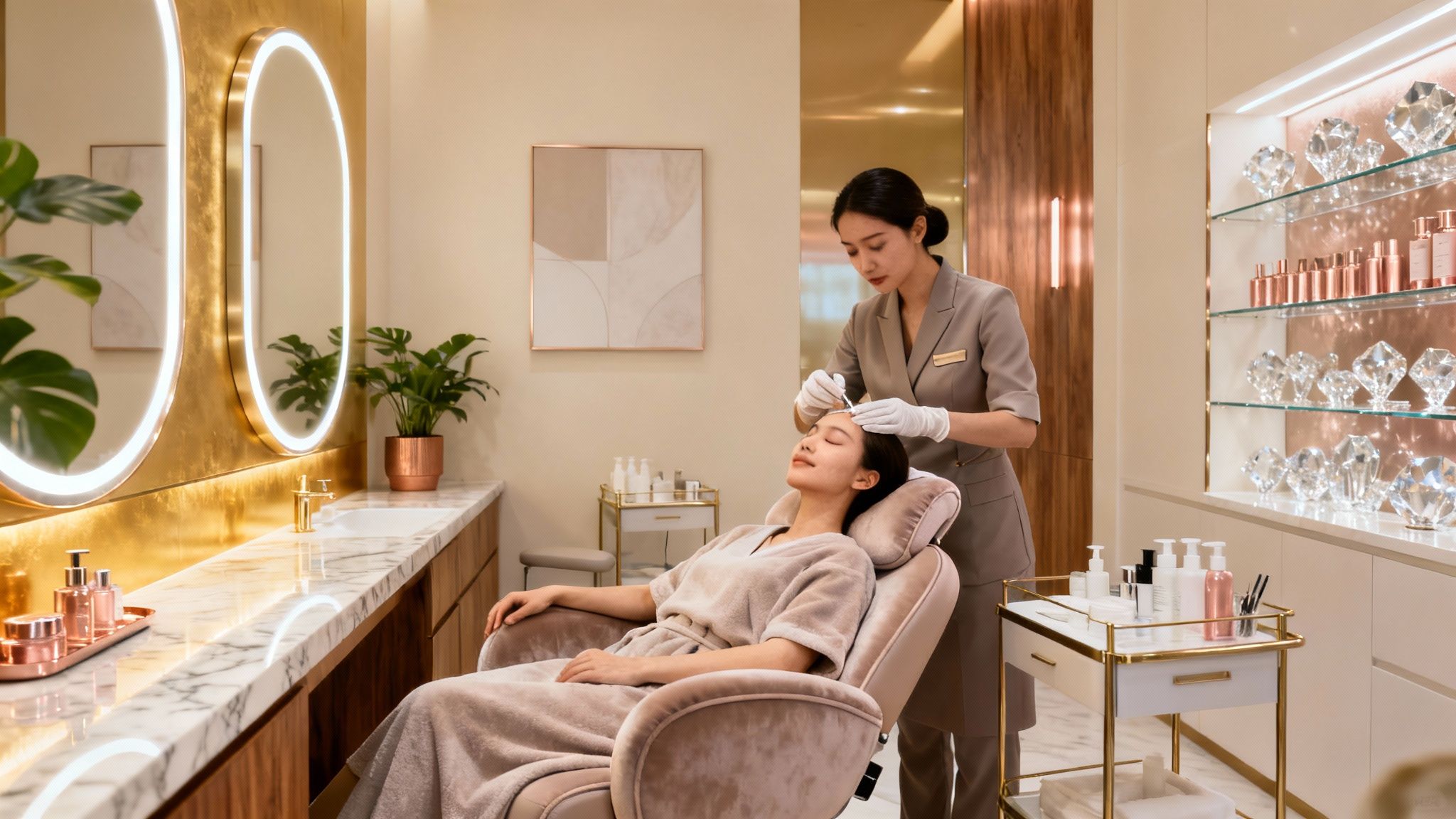
Your website is your digital shop window, and it needs to do more than just look good. It’s where you demonstrate credibility, standards, and experience—especially if clients are comparing you with other local options.
A good approach is to combine:
Evidence (portfolio, results, reviews)
Expertise (helpful explanations)
Trust (credentials, hygiene standards, policies)
Building A Professional Portfolio Of Your Work
A portfolio helps clients understand your style and the quality of your work. Think of it as proof of outcomes, not just “nice pictures”.
What makes a portfolio effective
Use clear, well-lit images (ideally consistent angles for before/after)
Show a range of services (not just one treatment type)
Add short context captions (what was done and what the client wanted)
Keep it tidy—quality over quantity
Important: Always get clear permission from clients before sharing identifiable photos online, especially for before-and-after images. For UK businesses, it’s also good practice to keep a simple record of what the client agreed to and where the images will be used.
Highlighting Your Unique Selling Propositions
Your Unique Selling Propositions (USPs) are what help clients choose you when options look similar.
Examples of strong USPs
A focus on natural-looking results
A specialist team (advanced skin practitioner, senior stylist, etc.)
A calm, private experience
Evidence-based treatment planning
Premium products or a particular approach (e.g., sensitive skin focus)
Don’t hide your strengths in long paragraphs. Use short, scannable statements and include them across key pages: Home, About, and Services.
Integrating Client Testimonials For Credibility
People trust real experiences. Testimonials help clients feel reassured—especially if they’re nervous about trying a new salon or treatment provider.
Make testimonials more persuasive by:
Placing them near booking prompts (Home and Service pages)
Using real first names (with permission)
Mentioning specific services (so they feel relevant)
Responding to reviews professionally (it shows you’re active and attentive)
A few high-quality testimonials that explain why someone was happy are often more effective than dozens of vague ones.
Enhancing User Experience And Functionality
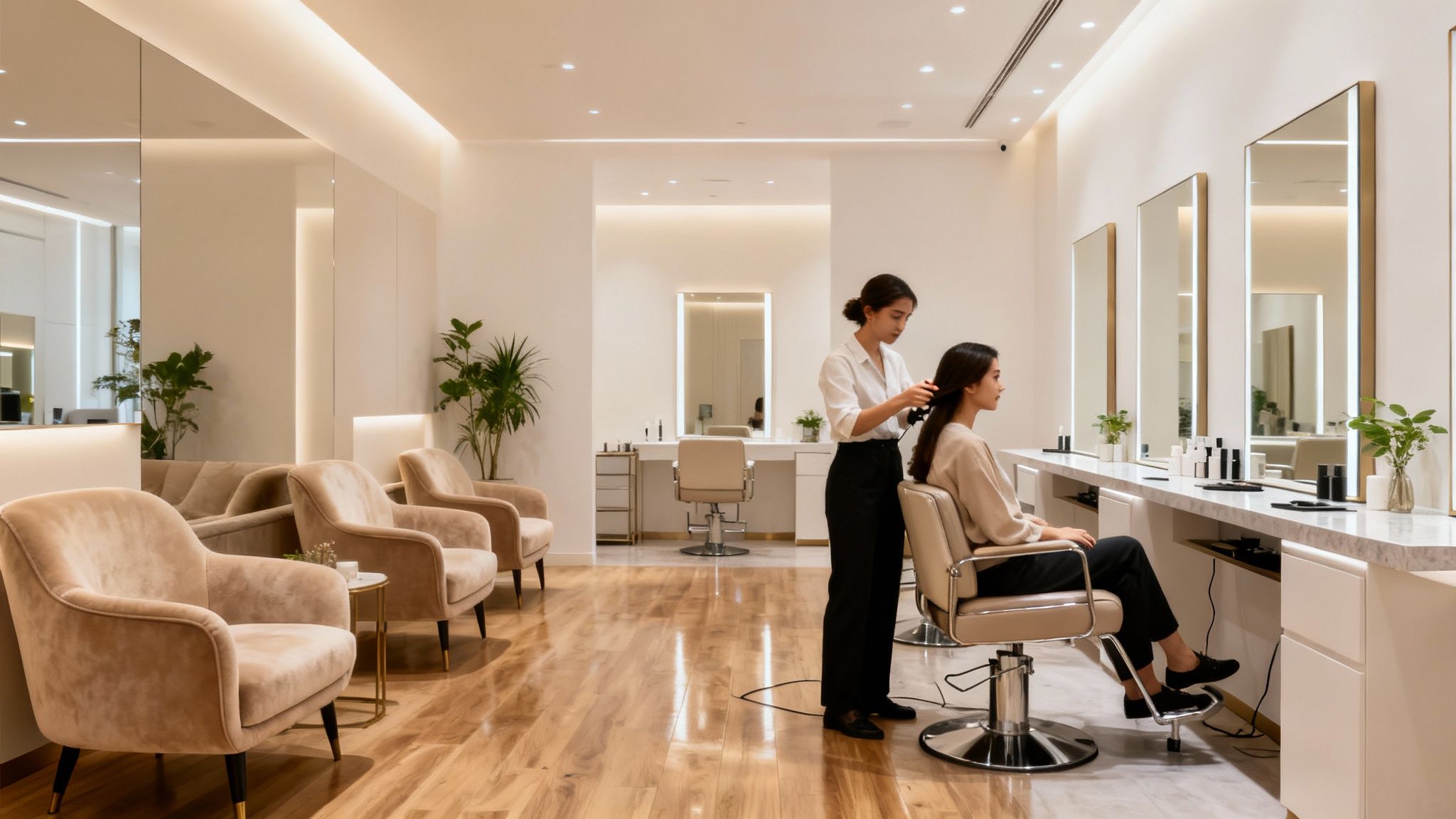
A beautiful website is only helpful if it’s easy to use. Great UX reduces friction and helps clients move smoothly from browsing to booking.
Your priorities here should be:
Fast loading
Clear navigation
Simple booking and contact options
Implementing Seamless Online Appointment Booking
Online booking saves time for your team and makes it easier for clients to commit. The best booking experiences feel simple and reliable.
Features that matter most
Clients can choose a service, date, and time quickly
Clear appointment duration and expectations
Automated confirmations and reminders to reduce no-shows
Optional deposits if that’s part of your policy
Easy access to reschedule or cancel (with your rules clearly stated)
If you offer consultations (common for aesthetic clinics), make sure clients understand whether it’s required, what it includes, and what happens next.
Ensuring Mobile Responsiveness For All Devices
Most clients will browse your site on a phone. If your site is hard to read or tap through, people will leave—even if your services are excellent.
Mobile usability essentials
Text is readable without zooming
Buttons are large enough to tap
Booking and contact details are easy to find
Images load quickly and don’t break the layout
A clean mobile experience makes your salon feel modern and professional.
Optimising Website Speed For Better Engagement
Nobody likes waiting for a website to load. If pages are slow, visitors lose patience and often leave before booking or making an enquiry.
Practical ways to improve speed
Compress images before uploading (especially portfolio photos)
Remove plugins you don’t use
Use caching tools to speed up page delivery
Keep your theme lightweight and avoid heavy animations
Fast sites don’t just “feel better”—they also support stronger visibility in search results.
Driving Traffic And Client Acquisition
Once your site is live, the next step is helping the right people find it. This is where visibility and local discovery matter, particularly for clinics and salons.
Your goal isn’t to “go viral”. It’s to show up consistently when people search for services in your area and to provide information that builds trust.
Essential SEO Strategies To Be Found Online
SEO stands for Search Engine Optimisation. It’s a set of practical improvements that help search engines understand your website and match it to people looking for services like yours.
1) Use service + location keywords naturally
Examples:
aesthetic clinic marketing (when discussing strategy)
local SEO for clinics (when discussing discovery)
attract more clients (when discussing outcomes)
“lip filler in [town]”, “skin clinic [area]”, “beauty salon near me”
Use these in:
Headings and service page titles
Intro paragraphs on key pages
FAQs (where relevant)
Blog posts that answer real questions
2) Create strong page structure
Make sure every key page has:
One clear main heading
Short sections with subheadings
Easy-to-scan lists where needed
3) Build local SEO foundations
For local businesses, consistency matters. Keep your name, address, and phone number consistent across:
Your website footer/contact page
Google Business Profile
Online directories (where you’re listed)
4) Google Business Profile tips (GBP)
Your Google Business Profile is a free business listing that helps you appear in Google Search and Google Maps. Keep it accurate and complete.
Key GBP priorities:
Use your genuine trading name (avoid adding extra keywords to the name)
Choose accurate categories
Keep opening hours current, including holiday hours
Add services and booking links (if you use online booking)
Add high-quality, authentic photos regularly
Encourage reviews ethically and respond professionally
5) UK cookies and analytics
If you use analytics tools, make sure your site includes a clear cookie notice and handles non-essential cookies appropriately in line with UK expectations.
Leveraging Social Media For Salon Promotion
Social media helps you stay visible, show your style, and keep relationships warm—without relying only on search engines.
What to focus on
Consistency: A steady cadence beats occasional bursts.
Results and education: Share outcomes, but also explain your process.
Trust-building: Show the clinic environment, hygiene standards, team, and consultations.
Local relevance: Tag your location and use local hashtags sparingly.
Remember: social posts can drive attention, but your website is where clients confirm trust and make decisions.
Creating Engaging Blog Content For Your Audience
A blog is more than just a place to write; it’s a powerful tool for attracting visitors and establishing your salon as an authority. It gives people a reason to keep coming back to your website.
Service Spotlights: Write detailed posts about specific treatments you offer. Explain the benefits, who they’re for, and what clients can expect. This helps people understand your services better and can encourage bookings.
Tips and Advice: Share general beauty tips, advice on hair care, skincare routines, or seasonal beauty trends. This positions you as a knowledgeable source and provides helpful content that people will want to read and share.
Local Focus: Write about local events, beauty news in your area, or collaborations with other local businesses. This can help you connect with your community and attract local clients.
Client Stories (with permission): Sharing anonymised success stories or transformations can be very compelling.
Think of your blog as a conversation with your potential clients. It’s your chance to share your passion, demonstrate your skills, and build trust before they even step through your door. Regular, quality content not only helps with search engines but also keeps your audience informed and engaged, turning casual browsers into loyal customers.
Maintaining And Growing Your Online Presence
A website isn’t a “set and forget” project. The most effective salon and clinic websites evolve over time: new photos, updated services, clearer FAQs, and regular technical maintenance.
Even small updates signal to clients (and to search engines) that your business is active and reliable.
Understanding Website Analytics For Growth
Analytics tools help you understand what people do on your site—what they read, what they ignore, and where they drop off.
Track:
Which pages get the most visits (services, pricing, booking page)
What traffic sources perform best (Google, social, directories)
Whether mobile users stay engaged or bounce quickly
Which blog topics bring in new visitors
If you use analytics, make sure your site has a clear cookie notice and handles non-essential cookies appropriately, in line with UK expectations.
Strategies For Client Retention Through Your Website
Your website isn’t only for new clients. It can also support loyal clients by making rebooking easy and keeping information clear.
Ideas that work well:
Rebooking links from confirmation emails
Clear aftercare pages that reduce confusion and build trust
A newsletter sign-up for clinic updates (keep it genuinely helpful)
An easy way to leave feedback or reviews after a visit
Retention is often more sustainable than constantly chasing new leads.
Keeping Your Website Content Fresh And Relevant
Outdated websites can make even excellent salons look behind the times. Fresh content keeps clients confident.
What to update regularly
New photos (recent work, updated interior, team changes)
Service details (new treatments, updated timings, aftercare guidance)
Pricing guidance (even if it’s ranges)
Testimonials and reviews (add the strongest ones)
Blog posts (quality over quantity)
Also remember the technical side: update WordPress core, plugins, and themes for security and performance.
Your Stunning Salon Website Awaits
Building a professional WordPress website for your salon (or aesthetic clinic) is absolutely achievable when you focus on the right building blocks: strong foundations, clear service content, trust signals, and great user experience.
Once your site is live, the goal is ongoing improvement—small updates that keep your website accurate, helpful, and visible in local search. Over time, that consistency supports stronger credibility, better enquiries, and a smoother booking journey for clients.