Setting up a booking page for your beauty salon or aesthetic clinic might sound like a big task, but it’s actually quite manageable once you break it down. You want a page that looks professional, works smoothly, and makes it effortless for clients to book their next appointment.
This guide will walk you through how to do exactly that, helping your salon stay organised and your clients happy. We’ll cover everything from making your page look on-brand to managing your appointments efficiently and using your booking system as part of your wider salon and aesthetic clinic marketing. Even if you’re just starting out, understanding the basics of a good online booking setup gives you a strong foundation, and the right tools will help you grow.
Key Takeaways
Design your booking page to match your salon’s brand and ensure it’s easy for clients to use.
Clearly list all your services with descriptions, prices, and durations, and set your availability precisely so clients know exactly what they are booking.
Automate appointment confirmations and reminders to reduce no-shows and keep clients informed.
Integrate secure payment options and encourage client reviews to build trust and social proof.
Choose a booking platform that fits your needs and consider integrating it with other tools you use, such as calendars or email marketing.
Crafting Your Salon’s Online Presence
Designing Your Booking Page to Reflect Your Brand
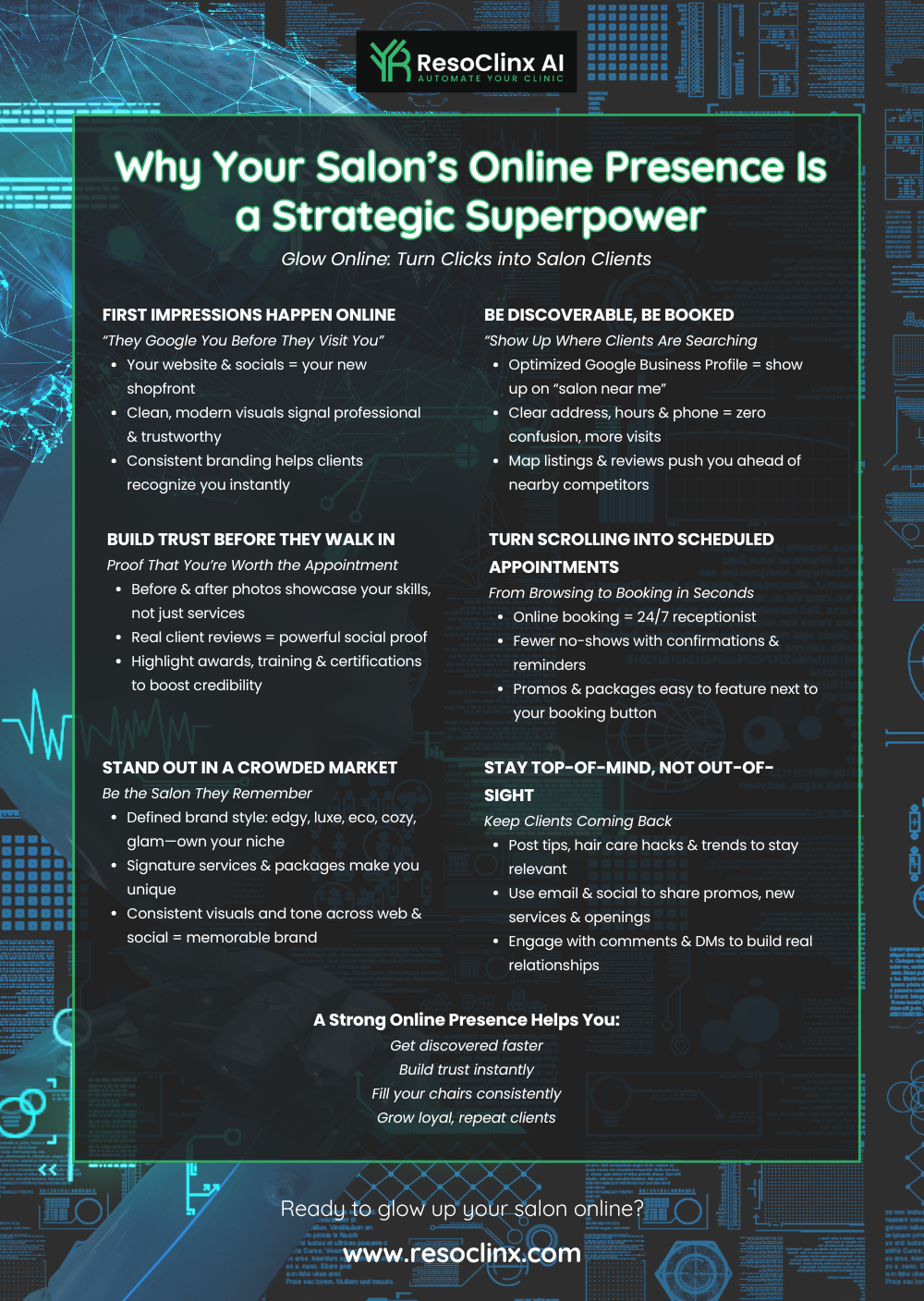
Your booking page is often the first real interaction a potential client has with your salon online. It needs to feel like an extension of your physical space – welcoming, professional, and aligned with your brand.
Think about the colours, fonts, and imagery you use. Do they match your salon’s overall aesthetic? If you offer high-end, luxury treatments, your booking page should feel sleek and sophisticated. If your vibe is more relaxed and friendly, let that come through in warmer imagery and approachable language.
A consistent brand identity across your website, booking page, and social media:
Builds trust
Makes your salon more memorable
Supports your overall local visibility and marketing efforts
Ensuring a Seamless User Experience for Clients
Nobody likes a complicated website. When a client lands on your booking page, they should be able to find what they need and book an appointment quickly, without confusion.
That means:
Clear navigation
Easy-to-read service descriptions
A booking process that takes just a few straightforward steps
Mobile-friendliness is essential. Many people will be viewing your page on their phones. If it’s clunky or difficult to use on a smaller screen, they’ll likely leave and look for another salon that offers a smoother experience.
Here’s a quick checklist for a smooth experience:
Clear Service Menu: List all your services with brief, informative descriptions and prices.
Intuitive Calendar: Allow clients to easily see available dates and times.
Minimal Steps: Only ask for the information you genuinely need to confirm the booking.
Mobile Responsiveness: Test your page on different devices to ensure it looks and works well.
Optimising Your Page for First Impressions
First impressions count, and your booking page is no exception. A fast-loading, visually clean page instantly signals professionalism.
Consider:
Using high-quality images of your salon, treatment rooms, or results (with consent).
Adding a short, friendly welcome message that explains what makes your salon special.
Highlighting any specialisms (e.g. skin treatments, aesthetics, hair colour) so new visitors understand your strengths straight away.
A well-designed booking page isn’t just about looking good; it’s about making it as easy as possible for clients to choose you and book their next appointment. The entire journey, from landing on the page to receiving a confirmation, should feel simple, clear, and reassuring.
Streamlining Your Appointment Management
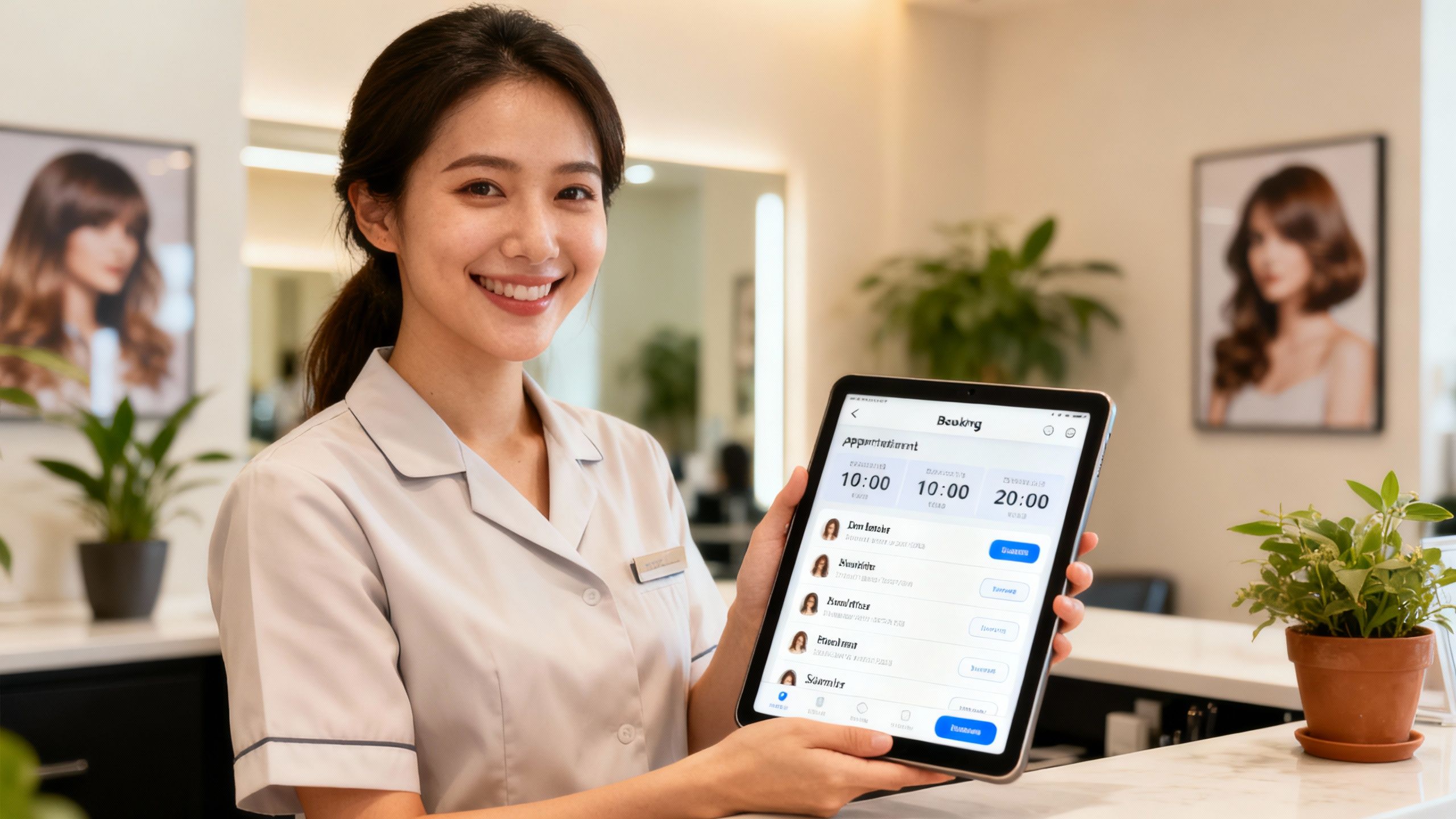
Getting your salon’s schedule sorted is key to keeping things running smoothly and making sure clients get the treatments they want, when they want them. It’s not just about filling time slots; it’s about building a system that works for you, your team, and your clients.
Setting Up Service Offerings with Clarity
When clients look at your services, they need to know exactly what they’re booking and what to expect. Clarity builds trust and reduces the risk of confusion or disappointment.
Think about:
Service Name: Make it easy to understand. For example, “Express Facial – 30 minutes” is clearer than something vague like “Skin Refresher”.
Description: Briefly explain what the service includes and the key benefits.
Duration: State how long the service will take, including realistic time for preparation and clean-up.
Price: Be transparent about the cost. If prices vary (e.g. based on hair length or complexity), explain how this works.
It’s also a good idea to add a high-quality photo for each service or service category. This makes your booking page look more professional and helps clients visualise what they’re signing up for.
Customising Availability to Suit Your Schedule
Your time is valuable, and your booking system should reflect that. You need to be able to set your working hours precisely so you’re only bookable when you’re genuinely available.
Most systems let you:
Set standard weekly hours that repeat
Adjust hours for specific days or weeks (e.g. late-night Thursdays)
Block out personal time, holidays, training days, or team meetings
This control helps you avoid awkward rescheduling and ensures clients only see available slots that actually work for you and your staff.
Utilising Buffer Times for Efficient Transitions
Ever finished one appointment and immediately had a client waiting, with no time to tidy up or prepare? That’s where buffer times come in. Adding a short gap between appointments, such as 5–15 minutes, can make a huge difference.
This buffer time allows your team to:
Clean and sanitise their station
Prepare for the next client
Take a short breather
Catch up if the previous appointment ran slightly over
Some systems also allow limited overlap between appointments, so you can begin preparing for the next client while the current treatment is finishing. If you use this, do so carefully so clients never feel rushed or overlooked.
Setting up your services, availability, and buffer times thoughtfully is about more than organisation – it’s about creating a professional, calm, and predictable experience for both your clients and your team.
Enhancing Client Convenience and Trust
Making things easy and reliable for your clients is key to keeping them coming back. When booking an appointment feels like a chore, or when clients are unsure whether their booking is confirmed, they may simply choose another salon.
We want your salon to stand out not just for your treatments, but for how simple and trustworthy the entire booking experience feels.
Implementing Automated Reminders and Confirmations
Nobody likes a no-show, and most clients appreciate a polite reminder. Automatic reminders and confirmations are one of the most valuable features of a modern booking system.
These messages can be sent via text or email and should:
Confirm the date, time, and service as soon as the booking is made
Remind the client closer to the appointment (e.g. 24–48 hours before)
Include any relevant details, such as address, parking, or pre-treatment guidance
Automated reminders help to:
Reduce no-shows by keeping appointments top of mind
Improve client experience by keeping clients informed and reassured
Save staff time that would otherwise be spent chasing or confirming manually
Think of these reminders as a friendly digital check-in, reinforcing your professionalism and showing clients that their appointment matters.
Integrating Secure Payment and Billing Options
Making payments straightforward and secure builds a lot of trust. Offering flexible payment options can make the process more convenient for clients and more predictable for you.
You might:
Allow clients to pay a deposit when they book to secure their appointment
Offer full pre-payment for certain treatments
Provide the option to pay in person by card or contactless on the day
Use secure payment links for added convenience and safety
Clear payment options can:
Reduce last-minute cancellations and no-shows
Improve cash flow
Add a layer of professionalism and security for both you and your clients
If appropriate for your business, you can also offer an optional tipping feature at checkout, giving happy clients a simple way to show their appreciation.
Encouraging Client Reviews for Social Proof
What people say about you online can strongly influence new clients. Positive reviews are powerful social proof, showing potential customers that others have had a good experience at your salon.
After a service, consider:
Sending a polite follow-up message asking for a review
Directing clients to leave feedback on your Google profile or social media page
Displaying a small card at reception with a QR code linking directly to your review page
This feedback not only helps attract new business but also gives you valuable insights into:
What clients love about your salon
Where you might improve
Which services are especially appreciated
By building up a consistent stream of authentic reviews, you strengthen your reputation and support your broader local marketing and visibility.
Leveraging Technology for Business Growth
Choosing the Right Booking Platform for Your Needs
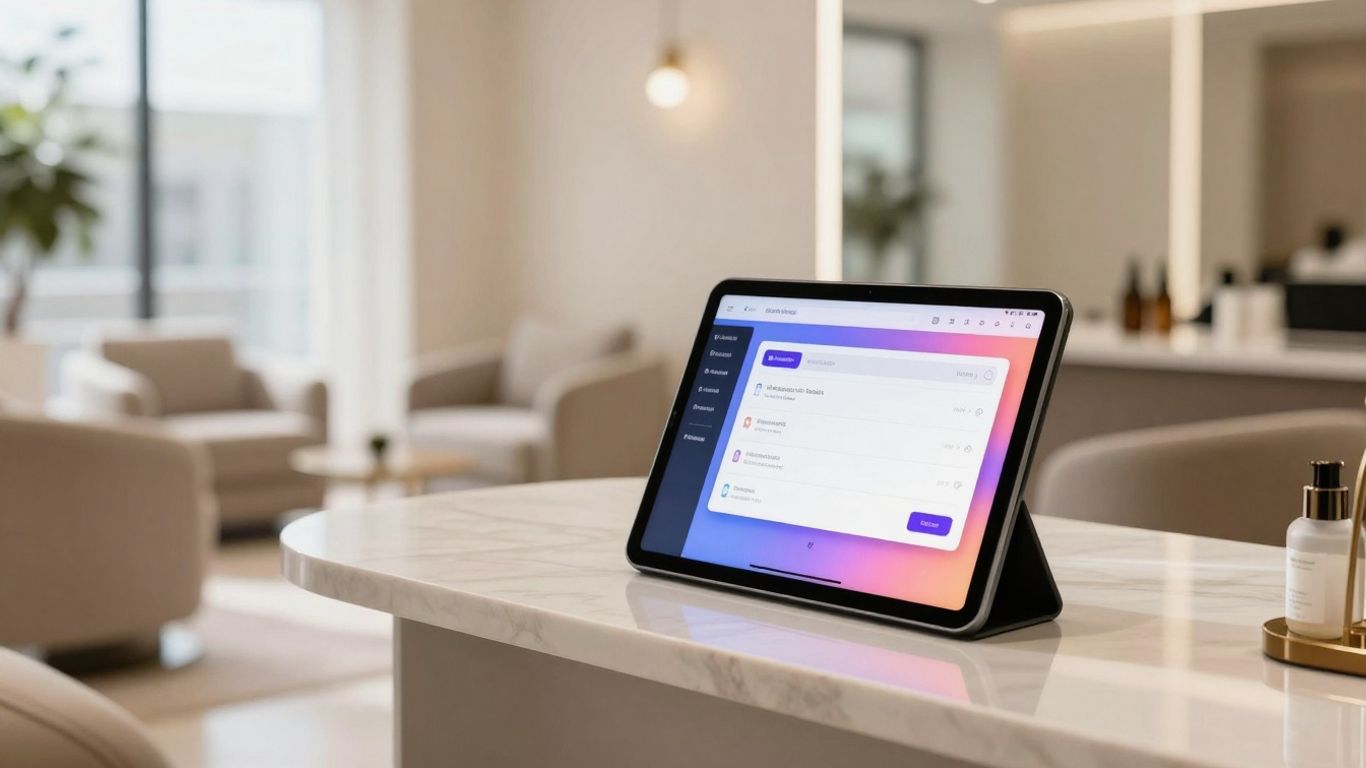
Choosing the right booking system is like choosing the right tool for a job – it needs to fit your salon’s specific needs. It’s not just about accepting bookings; it’s about making your day-to-day operations smoother.
Ask yourself:
Do you offer a wide range of services or packages?
Do you have multiple staff members with different schedules?
Do you want clients to be able to book online 24/7?
Do you need built-in features like client notes, patch test tracking, or marketing tools?
Some platforms are quite simple and focus purely on appointments. Others offer:
Client management
Marketing and email features
Stock or product tracking
A good platform should feel intuitive to use, both for you and for your clients. If it’s confusing or clunky, people will be reluctant to book through it – which defeats the purpose.
Integrating Your Booking System with Existing Tools
Once you’ve chosen a booking system, the next step is to ensure it works well with the tools you already use. This is where technology can save you a lot of time.
For example, your booking system might:
Sync with your digital calendar, helping avoid double-bookings
Connect with your email marketing tool, so you can send targeted updates to existing clients
Feed into your accounting or reporting tools to give you a clearer picture of revenue and performance
When your systems work together, you avoid having to copy information manually, which reduces the chance of errors and frees up your time to focus on client care and service delivery.
Understanding the Benefits of Online Scheduling Software
Online scheduling software is more than just a digital appointment book. It can become a central hub for how you run your salon.
Some key benefits include:
24/7 availability: Clients can book whenever it suits them, even when your salon is closed.
Reduced admin: Automated confirmations, reminders, and follow-ups save your team hours each week.
Improved client experience: A smooth, professional booking journey sets the tone before they even walk through the door.
Data and insights: Reports on booking trends, popular services, and client behaviour help you make informed decisions.
Ultimately, a well-chosen booking system allows you to work smarter, not harder, and supports steady, sustainable growth.
Building a Professional Portfolio and Reputation
Your salon’s online presence is more than just a booking page; it’s your digital shopfront. A strong portfolio and a solid reputation are what draw clients in and encourage them to return.
Think of your portfolio as your visual CV – it’s often the first place people look when deciding whether to book.
Showcasing Your Best Work with High-Quality Visuals
High-quality images are non-negotiable when it comes to showcasing your services. Blurry, dark, or rushed photos will not reflect the standard of your work.
Aim for:
Clear, well-lit photos
Consistent backgrounds or settings where possible
Images that accurately represent the treatment results
Before-and-after shots can be especially persuasive, but always obtain explicit consent from clients before taking and sharing photos. Where appropriate, explain how you protect their privacy and how the images will be used.
Gathering Client Testimonials for Credibility
What your clients say about your services is often more powerful than anything you say yourself. Client testimonials add an extra layer of credibility.
You can:
Ask satisfied clients if they’d be happy to provide a short testimonial
Feature these on your website or booking page alongside relevant services
Highlight specific benefits they mention (e.g. “friendly staff”, “clean environment”, “excellent aftercare”)
These testimonials reassure new clients that they are making a good, informed choice by booking with you.
Presenting a Diverse Range of Your Skills
While it’s helpful to have specialisms, showing the breadth of your skills can attract a wider range of clients. If you offer multiple services, make sure your portfolio isn’t dominated by just one.
For example, if you provide:
Advanced skin treatments
Aesthetic procedures
Traditional beauty services such as nails or brows
Include images and examples from each area. This demonstrates that you can cater to different needs and preferences, and might encourage existing clients to explore more of your treatment menu.
Here’s a quick look at how to present your work effectively:
High-Quality Photography: Clear, well-lit, and consistent images.
Before & Afters: Show the impact of your treatments (with consent).
Variety of Services: Reflect the full range of what you offer.
Client Testimonials: Use real feedback to build trust.
A professional portfolio and genuine testimonials speak volumes about your standards, turning casual visitors into confident, loyal clients.
Strategic Marketing for Appointment Filling
Once your booking page is polished and your schedule is organised, it’s time to encourage people to use it. Marketing is not just about shouting about your services; it’s about smart, targeted efforts that bring in clients ready to book.
Think of your marketing as a way of guiding potential clients directly to that ‘Book Now’ button.
Utilising Social Media to Showcase Services
Social media is a powerful tool for visual industries like beauty and aesthetics. It’s where many clients look for inspiration, trends, and recommendations.
To make social media work for your bookings:
Share before-and-after photos and transformation stories (with permission)
Post short videos showing parts of a treatment, your salon environment, or aftercare tips
Use captions that educate, not just sell – explain what the treatment does, who it’s suitable for, and what results clients can realistically expect
Include clear links or buttons that take viewers directly to your online booking page
High-quality, consistent content helps position your salon as knowledgeable, trustworthy, and up to date, which supports both your marketing and your bookings.
Exploring Local Advertising and Partnerships
While online channels are important, local connections can be just as valuable.
You could:
Partner with local businesses (such as boutiques, gyms, or cafés) for mutual referrals or small joint offers
Attend local events or markets and offer mini-consultations or quick treatments
Place well-designed flyers or posters in community spaces with a clear call to action and QR code leading to your booking page
These local efforts help you to become a familiar, trusted name in your area, which can significantly increase bookings over time.
Encouraging Word-of-Mouth Referrals
Happy clients are often your best marketers. Word-of-mouth remains one of the most effective ways to fill appointments.
To encourage referrals, you might:
Create a simple referral scheme where both the existing client and new client receive a small benefit
Personally thank clients who recommend you and let them know how much you appreciate it
Invite clients who frequently refer others to leave detailed reviews or share their experience on social media
You can also ask satisfied clients to leave a review on your booking page or Google profile, reinforcing the positive feedback you’ve already built. This combination of referrals and reviews helps create a strong, community-driven client base and more consistent bookings.
Ready to Fill Your Books?
Setting up a booking page that actually works for your beauty salon might seem like a bit of a puzzle at first, but it becomes much more manageable once you break it into steps. By making the booking process simple, clear, and reliable, you’re not just saving yourself time – you’re making it easier for clients to choose you and keep coming back.
Think of your booking page as opening your digital doors: clients can discover your services, choose a treatment, and book at a time that suits them, all without any fuss. As you learn more about your clients’ behaviour – which services they book most, when they prefer to visit, and how they respond to reminders – you can keep refining your setup.
Over time, your booking page can become a quiet but powerful engine in your business, helping to keep your appointments filled and your operations running smoothly.