It feels like everywhere you look, technology is making things simpler. For aesthetic clinics, this means finding ways to connect better with patients without adding to the workload. That’s where patient communication automation comes in.
It uses smart, compliant tools to manage day-to-day communication while maintaining a personal and professional experience. This also links closely with local visibility tools such as Google Business Profiles (GBP), which help clinics attract and educate potential patients even before they make contact.
Let’s explore how automation and smart digital touchpoints can make a meaningful difference.
Key Takeaways
- Patient communication automation streamlines appointment booking, reminders, and follow-ups, making processes smoother for both clinics and patients.
- Using automated tools reduces administrative workload, giving staff more time for patient care.
- Consistent, personalised communication, when done correctly, builds trust and makes patients feel supported.
- Choosing the right automation platform and ensuring your team is properly trained are essential for successful setup.
- The future involves AI-powered personalisation, secure cloud-based tools, and the integration of platforms like Google Business Profiles to support stronger local visibility.
Enhancing Patient Engagement Through Automated Communication
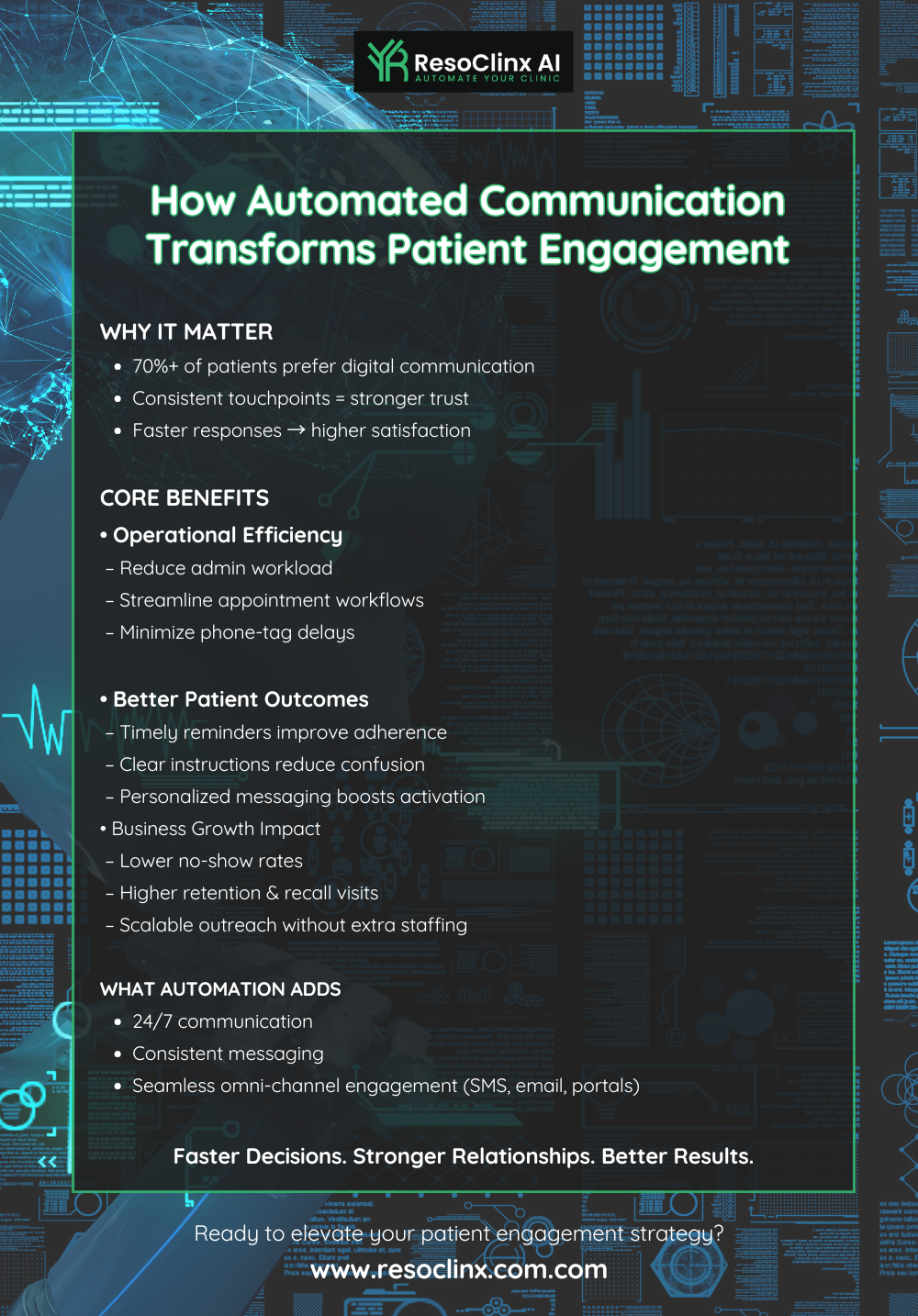
Keeping patients connected and interested in your clinic between appointments is just as important as the treatments themselves. It’s about building a long-term relationship where patients feel remembered and supported.
Consistent digital touchpoints — including automated messages and updates shared on your Google Business Profile — help reinforce credibility and maintain engagement.
Streamlining Appointment Booking Processes
Getting an appointment shouldn’t feel like a chore. If your booking system is difficult to navigate, patients may give up before securing a slot. A streamlined online booking system accessible via your website and your Google Business Profile’s “Book” button can significantly reduce friction.
- Online booking systems: Allow patients to book 24/7 across devices, including directly from your Google Business Profile.
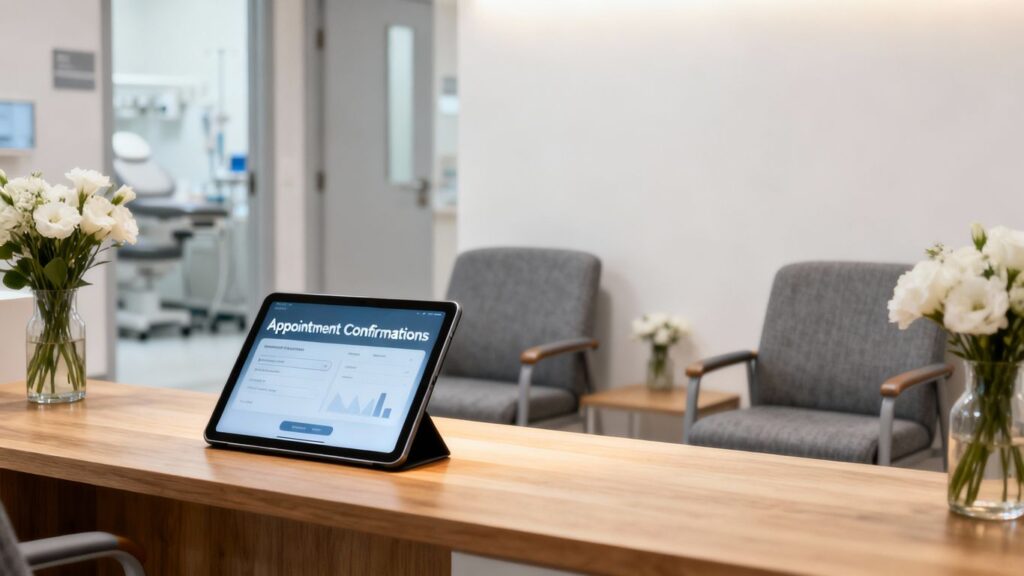
- Automated confirmations: Reduce no-shows and keep communication consistent.
- Calendar integration: Syncs with your clinic’s schedule for real-time availability.
These enhancements not only support smoother scheduling but also improve the patient experience from the moment they discover your clinic online.
Optimising Patient Reminders and Follow-Ups
Aftercare is a critical part of aesthetics, and patients value feeling supported after a treatment. Automating reminders and follow-up messages ensures that no patient is overlooked.
Here are your original bullet points with improved clarity:
- Initial Follow-Up: A day or two after a treatment, send a quick check-in to ensure the patient is comfortable and to answer any immediate questions.
- Information Sharing: One to two weeks later, send tailored content such as aftercare advice or skincare tips relevant to the treatment they received.
- Progress Check-ins: For treatments requiring multiple sessions, schedule check-ins at appropriate stages to monitor results and address concerns early.
Keeping follow-ups structured improves patient outcomes and builds trust.
Personalising Patient Communication at Scale
Generic messages rarely resonate. Patients appreciate communication that acknowledges their needs, treatment history, and goals. Automation tools help segment your database while retaining a personal touch.
Tailoring messages to patient needs is key. A one-size-fits-all approach rarely works. The most effective communications speak directly to an individual’s specific situation, interests, and treatment history. This thoughtful approach builds stronger connections.
- Treatment History: Share specific aftercare advice and information on complementary services.
- Stated Goals: Provide tips and guidance aligned with their long-term aesthetic aims.
- Preferences: Respect their preferred communication method (SMS or email) for enhanced engagement.
These personalised touches can also extend to Google Business Profile posts, where clinics can share FAQs, aftercare reminders, or seasonal treatment advice to attract and educate local searchers.
Leveraging Patient Communication Automation for Operational Efficiency
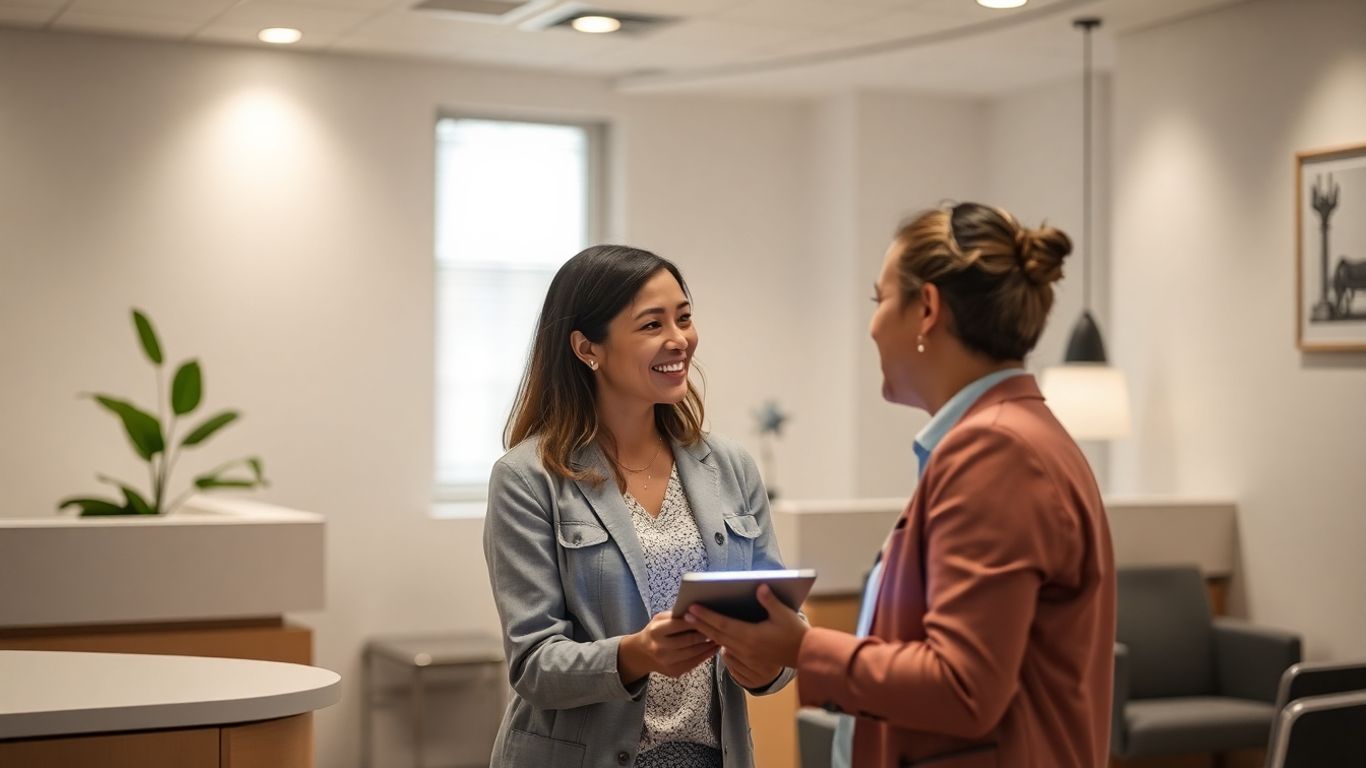
Running an aesthetics clinic involves many moving parts. Automation helps streamline administrative tasks, reduce errors, and support operational flow.
Reducing Administrative Burden with Smart Tools
Administrative tasks can really pile up, taking staff away from direct patient care. Automated systems can take over many of these time-consuming jobs. For instance, appointment booking can be handled through online portals that sync directly with your clinic’s schedule, cutting down on phone calls and manual data entry.
Sending out appointment reminders, pre-treatment instructions, or post-procedure care advice can all be automated, reducing the chance of human error and missed communications.
This means your reception team can focus on greeting patients and handling more complex queries, rather than being tied up with basic admin.
- Automated appointment confirmations and reminders.
- Digital intake forms completed before appointments.
- Automated follow-up messages for aftercare or future bookings.
This also reduces the chance of human error, creating a more consistent patient experience.
Automating routine administrative tasks doesn’t just save time; it helps prevent errors that can occur with manual processes, leading to a more polished and professional patient experience.
Improving Data Accuracy and Accessibility
When information is entered manually, there’s always a risk of typos or inconsistencies. Automated systems, especially those integrated with your patient management software, can significantly improve data accuracy.
Information is captured once and then flows through different parts of the system, reducing the need for re-entry. This also makes patient data more accessible to the right people at the right time.
Imagine a clinician needing quick access to a patient’s treatment history or preferences before an appointment – with an automated system, this information is readily available, leading to more informed consultations and personalised treatment plans.
Empowering Staff Through Workflow Automation
Giving your team the right tools can make their jobs easier and more fulfilling. Workflow automation helps by standardising processes and ensuring that tasks are completed consistently.
This can reduce stress and allow staff to concentrate on building relationships with patients and performing their core duties. For example, automated systems can flag when a patient is due for a follow-up or a specific treatment, prompting the relevant team member to reach out.
This proactive approach not only improves patient care but also helps in identifying opportunities for new treatments or services, boosting clinic revenue.
Here’s how workflow automation can help your team:
- Reduces repetitive tasks: Frees up staff for more engaging work.
- Standardises processes: Ensures consistency in patient care and operations.
- Improves communication: Keeps everyone informed and reduces missed steps.
- Provides data insights: Helps identify areas for improvement and growth.
Building Trust and Loyalty with Automated Patient Interactions
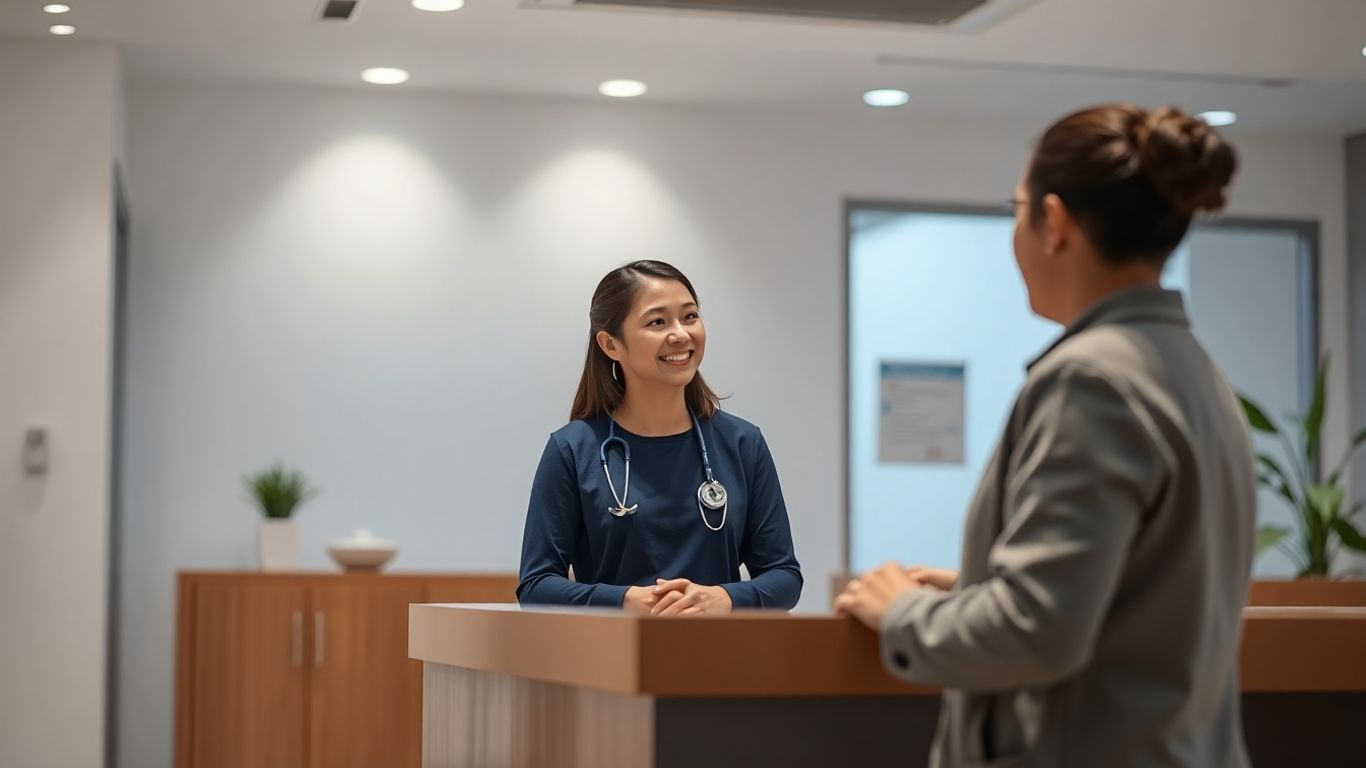
It might sound a bit odd, talking about automation and trust in the same breath. You’d think that technology would make things feel more distant, right? But actually, when used thoughtfully, automation can really help make your patients feel more looked after and valued.
It’s all about consistency and making sure they know you’re thinking of them, even when they’re not in the clinic.
The Role of Consistent Communication in Patient Care
Think about it: people come to aesthetic clinics for treatments that often involve a series of appointments or require specific aftercare. If communication is patchy – maybe a reminder gets missed, or follow-up advice is delayed – it can really chip away at their confidence in your practice.
Consistent communication, on the other hand, acts like a steady hand. It reassures patients that they’re on the right track and that you’re with them every step of the way.
- Automated reminders reduce missed appointments and ensure patients are well-prepared.
- Post-treatment follow-ups show ongoing commitment to their results.
- Personalised check-ins based on treatment history reinforce trust and attentiveness.
Consistent, automated communication isn’t about replacing the human touch; it’s about ensuring that the care and attention patients receive are reliable and predictable, reinforcing their trust in your clinic’s professionalism.
Automating Feedback and Review Management
Getting feedback is gold dust for any clinic. It tells you what you’re doing well and where you can improve. But chasing reviews can be a real time drain. Automation can step in here too.
You can set up systems to gently prompt patients for reviews after a positive experience, or to send out satisfaction surveys. This not only helps you gather valuable insights but also shows patients that their opinion matters.
- Automated review requests sent via email or text a few days after a treatment.
- Feedback surveys that can be tailored to specific treatments or patient experiences.
- Monitoring online reviews and having templates ready to respond professionally, whether positive or negative.
Creating Seamless Patient Journeys
Every step of the patient journey contributes to satisfaction. Automation helps create a smooth, predictable experience supported by digital tools — including GBP visibility.
- Easy online booking linked from your Google Business Profile.
- Automated confirmations and reminders to reduce no-shows.
- Personalised communication aligned with their treatment history and preferences.
When these elements work together, patients feel cared for, understood, and confident in their choice of clinic.
This positive experience is what turns a one-time visitor into a loyal client who returns again and again.
Implementing Patient Communication Automation Effectively
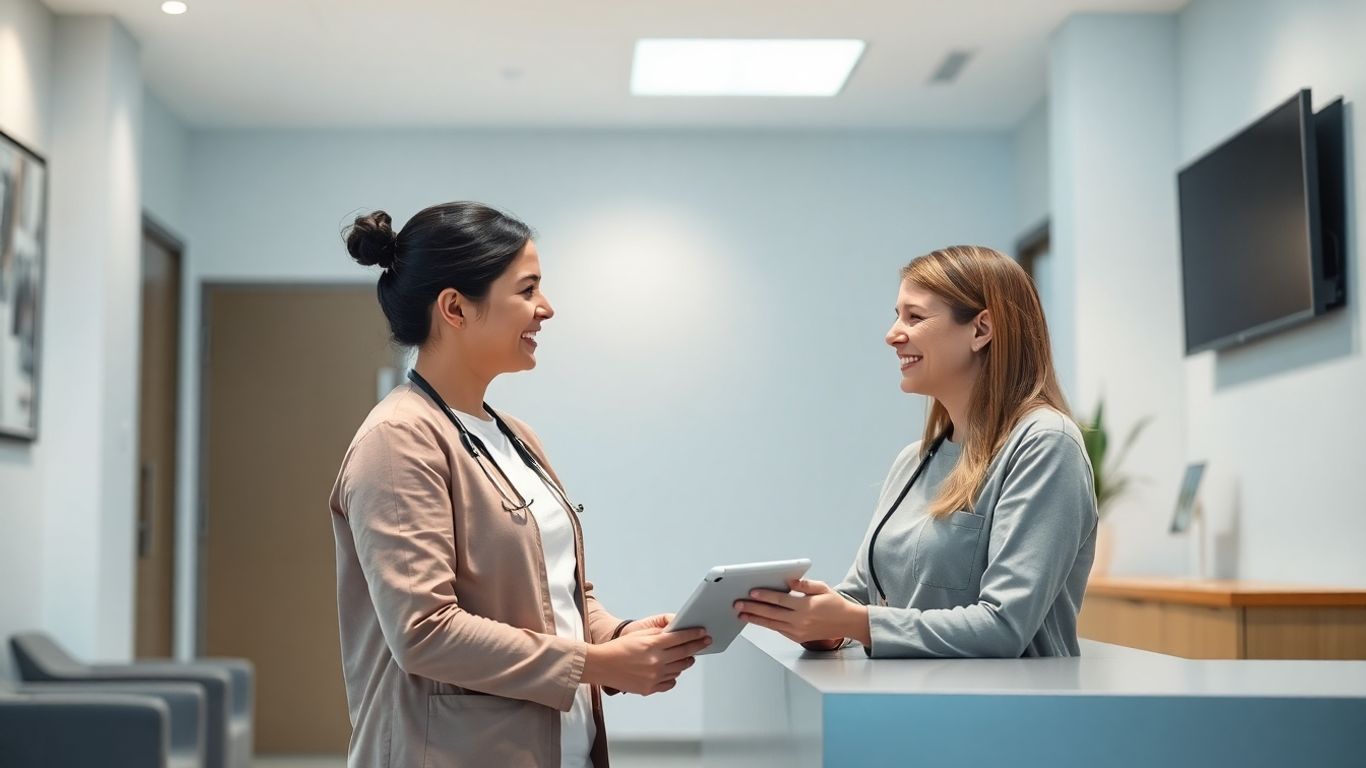
Getting automation up and running in your clinic might sound like a big undertaking, but it doesn’t have to be. It’s all about taking a sensible approach, step by step. Think of it like this: you wouldn’t try to run a marathon without training, right?
Same idea here. We need to plan, set things up carefully, and then keep an eye on how it’s all working.
Selecting the Right Automation Platform
Choosing the right software is your first big decision. There are loads of options out there, and they all promise the moon. But really, you need to find one that fits your clinic’s specific needs.
What works for a huge hospital might be overkill for a small aesthetics practice. Look for platforms that are user-friendly, can grow with you, and importantly, have good customer support.
Think about what you need it to do: appointment booking, reminders, follow-ups, feedback collection? Make a list and see which platform ticks the most boxes. Don’t be swayed by fancy features you’ll never use; focus on what will genuinely make your day-to-day easier and improve patient care.
Integrating Automation into Existing Workflows
Once you’ve picked your platform, it’s time to weave it into how you already work. This isn’t about throwing out everything you do and starting again. It’s about making your current processes smarter.
Start small. Maybe automate appointment reminders first, or set up a simple post-treatment check-in message. See how that goes.
Get your team involved in this stage; they’re the ones on the ground and will know where the real bottlenecks are.
Here’s a way to think about it:
- Map your current process: Understand exactly how things are done now.
- Identify automation opportunities: Where are the repetitive tasks? Where do things get missed?
- Pilot a simple workflow: Test one automated process with a small group.
- Gather feedback: Ask your team and a few patients what they think.
- Refine and expand: Make adjustments based on feedback, then gradually introduce more automation.
The key is to make automation work for your existing operations, not against them.
Training Your Team for Success
This is probably the most important bit. Your team needs to understand why you’re bringing in automation and how it will help them, not just make their jobs harder. If they feel like the technology is taking over, they won’t embrace it.
Proper training is essential. Show them how it frees them up from tedious tasks so they can focus on what they do best – providing excellent patient care. Make sure they know how to use the system, troubleshoot basic issues, and understand the importance of data security.
Regular check-ins and ongoing support will make a huge difference. When your team feels confident and supported, they’ll be your biggest advocates for the new system.
The Future of Patient Communication Automation in Aesthetics
AI-Powered Personalisation and Predictive Analytics
The next wave of patient communication in aesthetics is going to be incredibly smart. We’re talking about systems that don’t just send out generic messages, but actually learn about each patient.
Think about AI analysing past treatments, patient preferences, and even how they interact with your clinic’s communications. This allows for truly personalised recommendations and reminders. For example, instead of a general ‘time for your next facial’ message, a patient might receive a specific suggestion for a treatment that complements their recent procedure, based on their skin type and stated goals.
Predictive analytics will also play a big part, helping clinics anticipate patient needs before they even arise. This could mean suggesting a follow-up appointment based on typical healing times or even predicting when a patient might be interested in a new service based on seasonal trends or their treatment history.
Cloud-Based Solutions for Scalability
As aesthetic clinics grow, their communication systems need to keep up. Cloud-based platforms are the answer here. They offer the flexibility to scale up or down as needed, without massive upfront investment in hardware. This means a small, growing clinic can access sophisticated communication tools just as easily as a large, established one.
It also means that patient data and communication logs are accessible from anywhere, which is a huge plus for mobile practitioners or clinics with multiple locations.
This accessibility, combined with the ability to easily add new users or features, makes cloud solutions a practical choice for clinics looking to expand their reach and services without being held back by their technology.
Ensuring Data Security and Compliance
UK clinics must comply with GDPR, ensuring patient data is handled securely. Look for platforms offering:
- Strong encryption
- Regular security updates
- Clear data-handling protocols
Security is essential for trust.
Embracing Automation for a Better Clinic
Automation isn’t about replacing human interaction — it’s about elevating it. By reducing repetitive tasks, clinics gain more time for patient-focused care. When combined with strong local SEO tools like Google Business Profiles, automation supports a seamless, trustworthy experience from discovery to aftercare.