
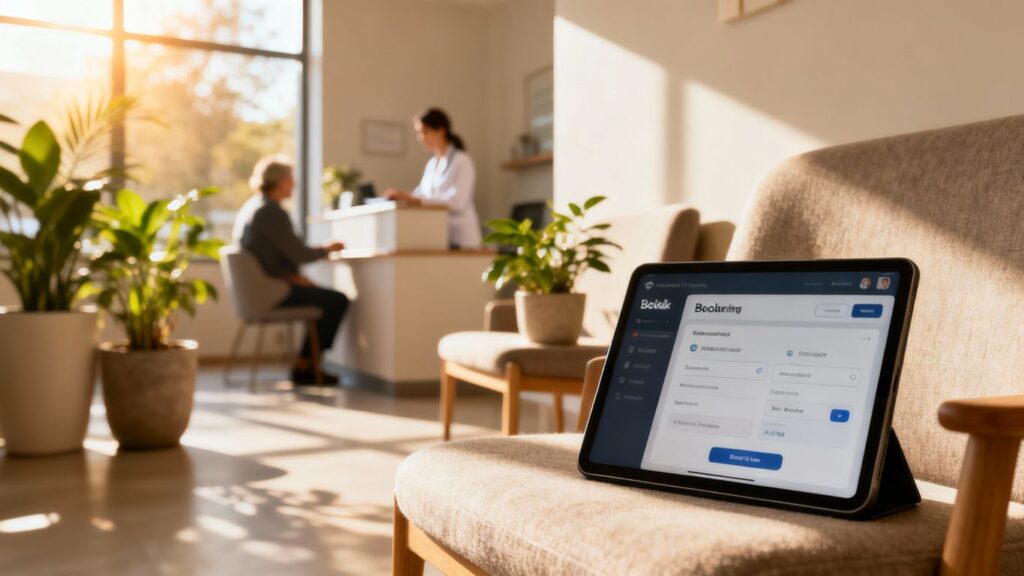
Running an aesthetic clinic can feel like a juggling act. Between treating patients, managing staff, and keeping finances in order, appointment scheduling can easily become another source of stress. When bookings are handled manually, it is all too easy for things to become disorganised, leading to missed appointments, double bookings, and frustrated patients.
Clinic booking automation changes that. It is not a futuristic luxury; it is a practical, everyday tool that helps your clinic run more smoothly, supports your aesthetic clinic marketing, and creates a more professional patient journey from the very first contact.
Key Takeaways
- Clinic booking automation reduces admin work for your team, allowing them to focus on patient care rather than constant phone calls and paperwork.
- Online booking systems give patients flexibility, allowing them to schedule appointments at any time, from any device, which can help your clinic attract more clients.
- Automated reminders via SMS or email are a simple but powerful way to reduce no-shows and keep your appointment diary consistently full.
- Digital patient intake forms speed up check-in, reduce errors, and make the entire process more efficient for both patients and staff.
- The right automation software should fit your clinic’s specific needs, integrate with your existing systems, and scale as your aesthetic clinic grows.
Embracing Clinic Booking Automation For Enhanced Efficiency
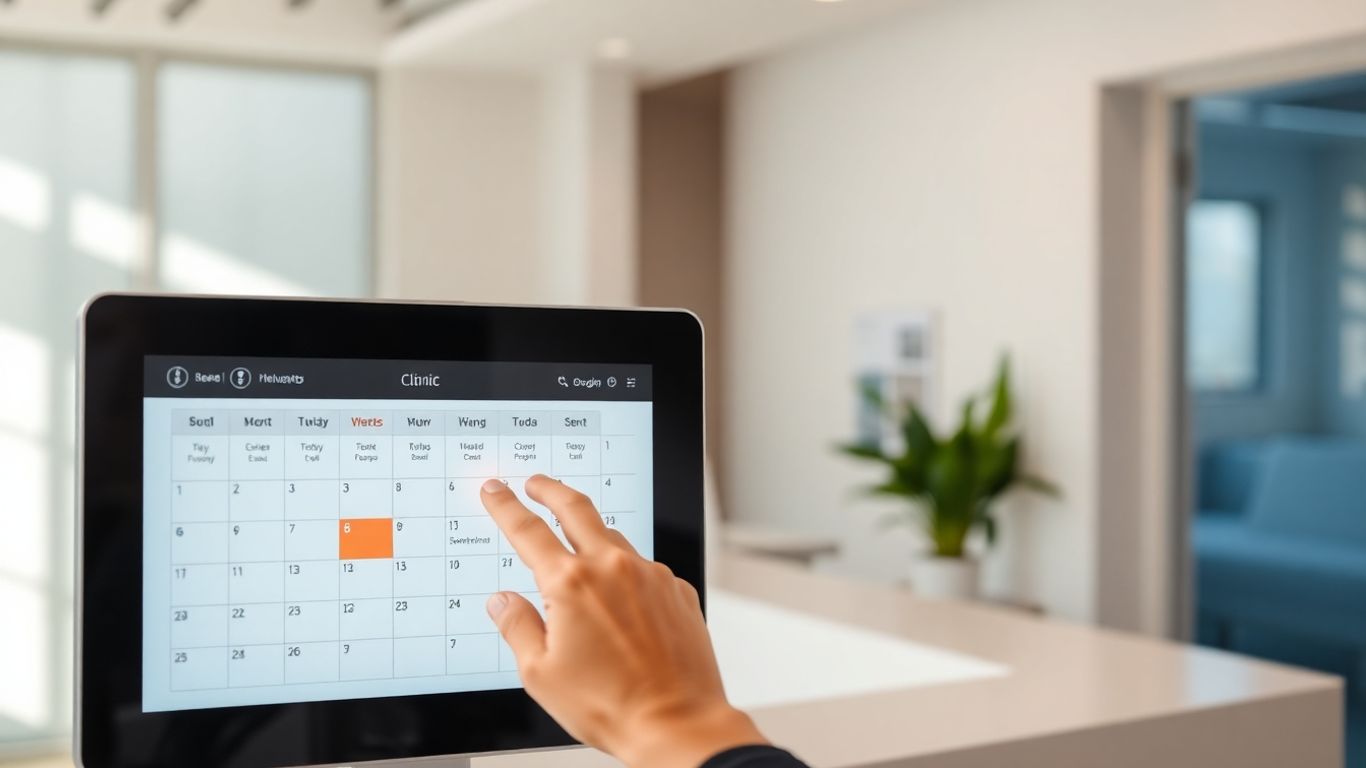
Running a clinic, especially a smaller one, means constantly balancing clinical work, staffing, and operations. A booking process that relies on phone calls, paper diaries, or basic spreadsheets can make that balance harder to maintain. When appointment management is slow or disorganised, it affects everything from staff workload to the patient experience.
That is where automation comes in. It is not just a buzzword; it is a practical way to streamline routine tasks so your clinic can operate more efficiently. By automating key parts of your booking process, you make it easier for patients to book, move, and confirm appointments – and easier for your team to manage the diary without constant interruptions.
Think about how much time your reception team spends:
- Answering the phone to book or move appointments
- Sending reminder messages manually
- Dealing with last-minute cancellations
- Updating records after each change
Each of these tasks is important, but they are also repetitive and prone to error when done manually. Introducing automation allows many of these tasks to happen in the background, with staff stepping in only when their judgement or personal input is genuinely needed.
Understanding The Core Benefits Of Automation
Switching to an automated booking system may feel like a significant change, but the benefits are clear once it is in place. Done well, automation helps you:
- Save time: Less manual scheduling frees your team to focus on patient-facing tasks, clinical preparation, and other high-value activities.
- Reduce errors: Automated systems minimise the risk of double bookings, incorrect appointment durations, and mis-typed contact details.
- Improve patient experience: Patients can book at a time that suits them, from their phone or laptop, without waiting for the clinic to open.
- Lower no-show rates: Automated reminders help patients remember and plan for their appointments.
The shift to digital processes is not only about keeping up with technology. It is about creating a more responsive, patient-centred service that supports your reputation, strengthens your local SEO for clinics, and makes every step of the patient journey more consistent.
Identifying Bottlenecks In Manual Scheduling
Manual scheduling introduces several points where things can easily get stuck or go wrong. Common bottlenecks include:
- Phone tag: Patients call during busy times and are put on hold, or the clinic calls patients back when they are unable to answer.
- Limited availability visibility: Patients cannot always see what is available and may need several calls to find a suitable time.
- Data entry errors: Names, phone numbers, or email addresses can be mis-typed, leading to failed reminders or confusion.
- Delayed updates: If changes are written in one place but not another, diaries become inconsistent.
These issues are not simply inconvenient; they directly affect patient satisfaction and can undermine your wider aesthetic clinic marketing efforts, because the experience around booking is part of how patients judge your professionalism.
Leveraging Technology For A Seamless Patient Journey
Technology offers a way to smooth out these rough edges. Online booking platforms allow patients to see live availability and book in their own time, without repeated calls or emails. This gives them more control and makes the process feel far simpler.
When your booking system is integrated with your website and your Google Business Profile, it supports your local SEO for clinics. Patients searching for treatments in your area can:
- Discover your clinic in local search or maps
- Read your information and reviews
- Click directly through to your online booking
This joined-up digital journey is a powerful way to attract more clients while keeping the process efficient for your team.
How technology helps:
| Feature | Benefit |
|---|---|
| Online Booking Portal | Patients book any time, reducing phone calls and admin workload. |
| Automated Reminders | Cuts no-shows and supports better patient recall. |
| Calendar Sync | Real-time updates prevent double bookings and scheduling conflicts. |
| Digital Forms | Streamlines check-in and reduces paperwork and data entry errors. |
Each of these elements contributes to a more seamless patient journey – from discovery, to booking, to attending their appointment.
Implementing A Robust Online Booking System

Getting patients booked in should not feel like a chore, either for them or for your team. A well-designed online booking system is a key component of a modern aesthetic clinic. It improves convenience, strengthens your brand image, and supports your overall aesthetic clinic marketing by presenting a professional, organised front.
A robust system is one that is:
- Easy for patients to understand
- Simple for staff to manage
- Flexible enough to grow with your clinic
Designing An Intuitive Patient Booking Interface
A booking experience that feels confusing or slow can put patients off. To avoid this, your booking interface should be:
- Clear and simple: Patients should immediately understand where to click and what to do next.
- Visually clean: Avoid clutter. Use clear headings, short descriptions, and a logical layout.
- Fast and responsive: Pages should load quickly, and the process should not involve unnecessary steps.
Key elements to consider:
- Clear service listings: Patients need to see exactly what you offer, with brief descriptions, typical treatment times, and, where appropriate, prices. This supports informed decision-making and reduces questions later.
- Visible availability: Use a clear calendar or time-slot view so patients can see what is available at a glance.
- Straightforward navigation: Patients should be able to complete a booking in just a few steps, without feeling lost or overwhelmed.
- Mobile-friendly design: Many patients will find you via mobile search. Your booking system must work smoothly on smartphones, supporting both accessibility and local search behaviour.
When the booking process feels intuitive, it reflects positively on your clinic and reassures patients that they are in professional, organised hands.
Integrating Online Scheduling With Your Website
Your website is often the first place a potential patient visits when researching aesthetic treatments. Integrating your booking system effectively ensures that patients can go from reading about your services to booking an appointment without friction.
Consider the following:
- Direct link or widget: Embed a booking widget directly onto key pages (such as treatment pages) or add a clear, visible button that links to your booking portal.
- Branding consistency: The booking interface should align with your clinic’s branding – colours, fonts, and tone – to maintain trust and a sense of continuity.
- Information sync: Details entered by patients during booking (such as name, email, phone number, and treatment choice) should automatically sync with your patient records or practice management system.
When your online booking is easy to access and clearly signposted, it not only improves conversion from website visitor to patient but also supports your credibility in a competitive aesthetic market.
Empowering Patients With Self-Service Options
Patients increasingly expect the ability to manage their own appointments at a time that suits them. Offering self-service options through automation:
- Reduces pressure on your reception team
- Gives patients more flexibility
- Enhances the perceived professionalism of your clinic
Useful self-service features include:
- Online booking: Patients choose their own appointment slots based on real-time availability.
- Rescheduling and cancellations: Within your policies, patients can move or cancel appointments online, freeing up space for others and reducing gaps in your diary.
- Automated reminders: SMS or email reminders that confirm the date and time, plus any pre-appointment instructions, help patients arrive prepared and on time.
In an aesthetic clinic, these options contribute to a smoother, more patient-centred experience, reinforcing the quality of your care before patients even step through the door.
Optimising Appointment Management Through Automation
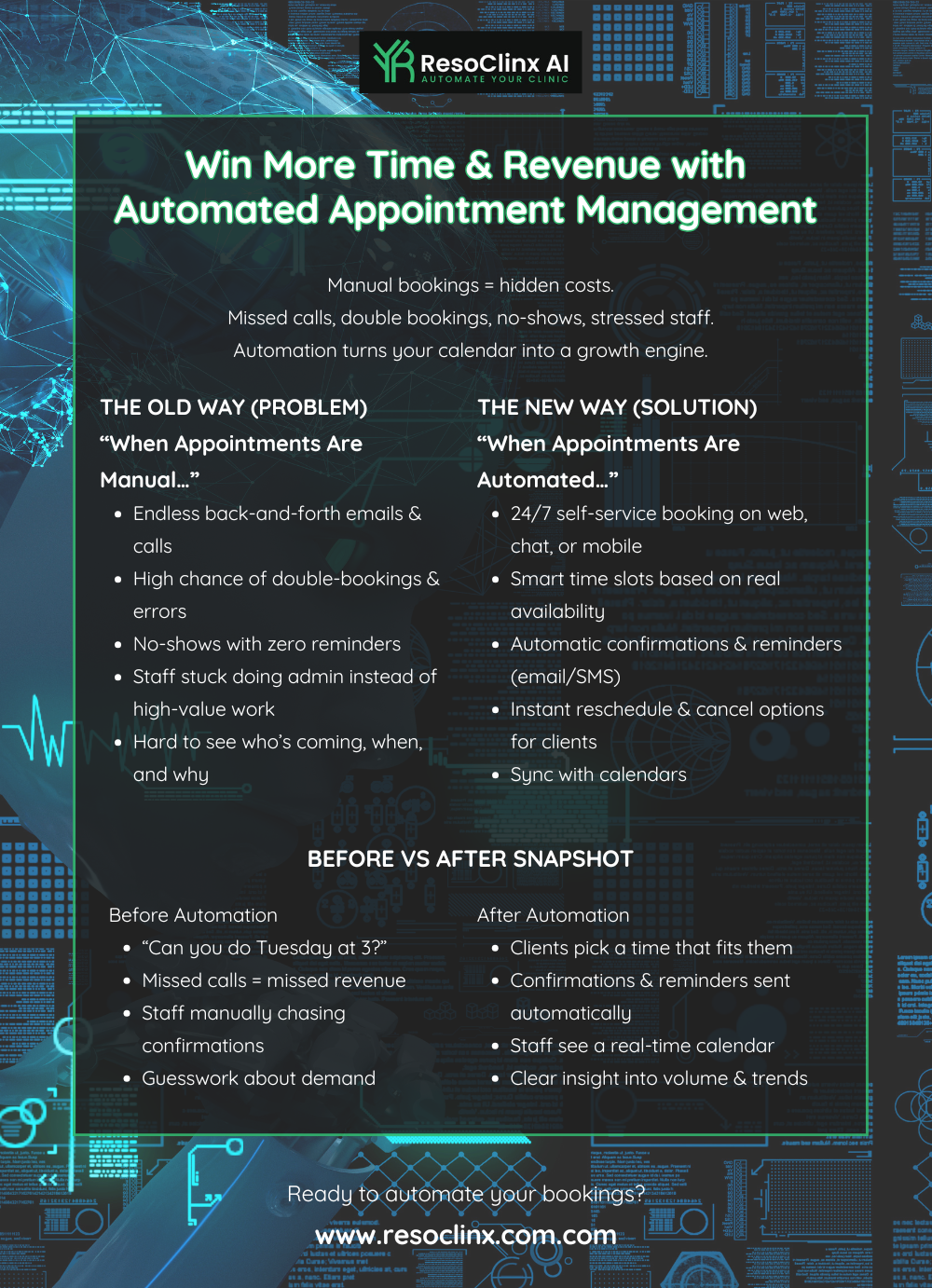
Effective appointment management underpins the smooth running of your clinic. When your diary is organised and accurate, it is easier to:
- Manage clinical rooms and equipment
- Balance practitioners’ workloads
- Avoid patient backlogs and long waiting times
Automation helps you move away from constantly “firefighting” scheduling issues and towards a more predictable, efficient workflow.
Automated Reminders to Reduce No-Shows
No-shows are frustrating and costly. A patient missing an appointment affects:
- Practitioner time
- Clinic revenue
- Other patients who could have used the slot
Automated reminders are a simple but powerful tool to address this. A typical reminder system can:
- Send SMS or email reminders 24–48 hours before an appointment
- Include location details, arrival guidance, and any pre-treatment preparation
- Provide a link to confirm, cancel, or reschedule
Benefits include:
- Reduced missed appointments: Patients are less likely to forget or mix up times.
- Improved preparedness: Patients arrive with the right information, documents, or pre-treatment instructions.
- Better diary management: When patients cancel or reschedule via the reminder, you have the opportunity to offer the slot to someone else.
In a busy aesthetic clinic, this can make a significant difference to both patient satisfaction and resource utilisation.
Calendar Synchronization for Real-Time Updates
Manual calendars and separate systems can easily become out of sync. Calendar synchronisation connects your booking platform to your team’s digital calendars (for example, Google Calendar or Outlook), so that:
- Every booking made online is instantly reflected in practitioners’ diaries
- Changes made by staff are immediately visible to the system
- There is a single, reliable version of the schedule
Real-time synchronisation helps you:
- Prevent overbooking: Everyone works from the same, up-to-date information.
- Streamline staff workflow: There is less need to double-check availability or confirm changes manually.
- Facilitate quick rescheduling: If a patient needs to move an appointment, staff can see suitable alternatives in seconds.
This reduces confusion, minimises errors, and supports a more organised, calm working environment.
Streamlining Virtual Consultations With Automation
Virtual consultations have become an important part of many aesthetic clinics’ services, especially for:
- Initial assessments
- Follow-up discussions
- Pre- and post-treatment reviews
Automation can make managing these appointments much more straightforward. A well-configured system can:
- Allow patients to book virtual consultations using the same portal as in-person appointments
- Automatically generate and send secure video links to both patient and practitioner
- Include relevant instructions (for example, recommending good lighting or privacy for the call)
- Trigger post-consultation follow-up messages, such as treatment recommendations or next steps
By automating these elements, you offer virtual care that is easy to access and professionally delivered, without adding unnecessary admin for your team.
Transforming The Patient Intake Process
The traditional patient intake process – clipboards, paper forms, and manual data entry – is time-consuming and prone to error. Automating intake helps your clinic:
- Capture accurate information
- Reduce paper usage
- Save time at the front desk
In an aesthetic clinic, where clinical decisions often rely on detailed medical history and treatment preferences, capturing information clearly and accurately is essential.
Digital Forms For Efficient Patient Check-In
Digital intake forms can be sent to patients before their visit or completed on a tablet in the clinic. They are particularly valuable because they:
- Reduce paperwork and manual data entry: Staff spend less time typing information into systems.
- Allow patients to complete forms at their own pace: Patients can fill out details at home, where they may have better access to medication lists or past medical information.
- Improve data accuracy: Typed entries are easier to read than handwritten notes, reducing the risk of misinterpretation.
- Speed up check-in: When patients arrive, most of the administrative work is already done, reducing waiting times and congestion at reception.
Digital forms can include medical history, consent forms, and treatment preferences, all of which are essential in a regulated, safety-focused environment like aesthetic medicine.
Automating Insurance Verification Processes
For clinics that work with insurers, verifying eligibility can be a drain on staff time when done manually. Automation can simplify this process considerably.
A comparison:
| Process Step | Manual Method | Automated Method |
|---|---|---|
| Eligibility Check | Phone calls or online portals, time-consuming | System automatically verifies eligibility in minutes |
| Issue Identification | Discovered at check-in, causing delays | Issues flagged days before appointment |
| Follow-up | Staff manually contacts patient | Automated alerts to staff for patient follow-up |
Enhancing Patient Experience With Digital Workflows
A smooth intake process sets the tone for the entire visit. Digital workflows can:
- Move information from online forms directly into patient records
- Trigger automatic notifications to relevant staff
- Ensure that practitioners have the right information ready before each appointment
From the patient’s perspective, this means:
- Less repetition (they do not need to give the same details several times)
- Shorter waiting times
- A sense that your clinic is organised, efficient, and trustworthy
These details contribute to a stronger overall patient experience, which in turn supports recommendations, reviews, and the reputation of your aesthetic clinic.
Maximising Your Clinic’s Potential With Automation
Automating your clinic’s booking system is not only about convenience; it is a strategic decision that can help you make better use of your resources, support growth, and improve consistency across your operations.
When administrative work is handled efficiently, your team is free to:
- Spend more time with patients
- Provide a higher standard of service
- Focus on tasks that genuinely require their expertise
Over time, this builds a clinic environment that feels calm, well-managed, and patient-focused.
Reducing Administrative Burden On Staff
Your reception team handles a large volume of tasks every day, including:
- Answering calls, emails, and messages
- Coordinating practitioner diaries
- Managing forms and follow-up communication
Automation can significantly reduce this burden:
- Fewer phone calls: Online booking and self-service options reduce the need for patients to call.
- Streamlined paperwork: Digital forms and automated workflows mean staff spend less time handling and filing physical documents.
With fewer repetitive tasks, your team can give each patient interaction more attention and care, improving both staff satisfaction and patient experience.
Improving Accuracy And Minimising Errors
Manual processes will always carry some risk of error. In a clinical setting, even small mistakes in scheduling or contact details can have a big impact. Automation helps improve accuracy by:
- Using structured forms: Reducing the chance of missing key information.
- Syncing data across systems: Ensuring that the same information is used everywhere.
- Scheduling reminders consistently: Avoiding missed communications.
A simple illustration:
| Task | Manual Process Risk | Automated Process Benefit |
|---|---|---|
| Appointment Booking | Double bookings | Real-time availability |
| Data Entry | Typos, omissions | Direct data transfer |
| Reminders | Missed communication | Scheduled, consistent delivery |
By reducing these risks, automation supports a more reliable and professional service.
Elevating Patient Satisfaction Through Streamlined Service
Patients notice when processes are smooth and straightforward. A streamlined booking and intake journey helps your clinic:
- Offer 24/7 access to appointment booking
- Reduce waiting times at reception
- Provide clear, timely communication
When patients feel informed, respected, and well looked after, they are more likely to:
- Return for future treatments
- Recommend your clinic to friends and family
- Leave positive reviews that support your local SEO for clinics and overall reputation
In this way, operational improvements through automation also contribute to your wider marketing and growth objectives.
Choosing The Right Clinic Booking Automation Solution
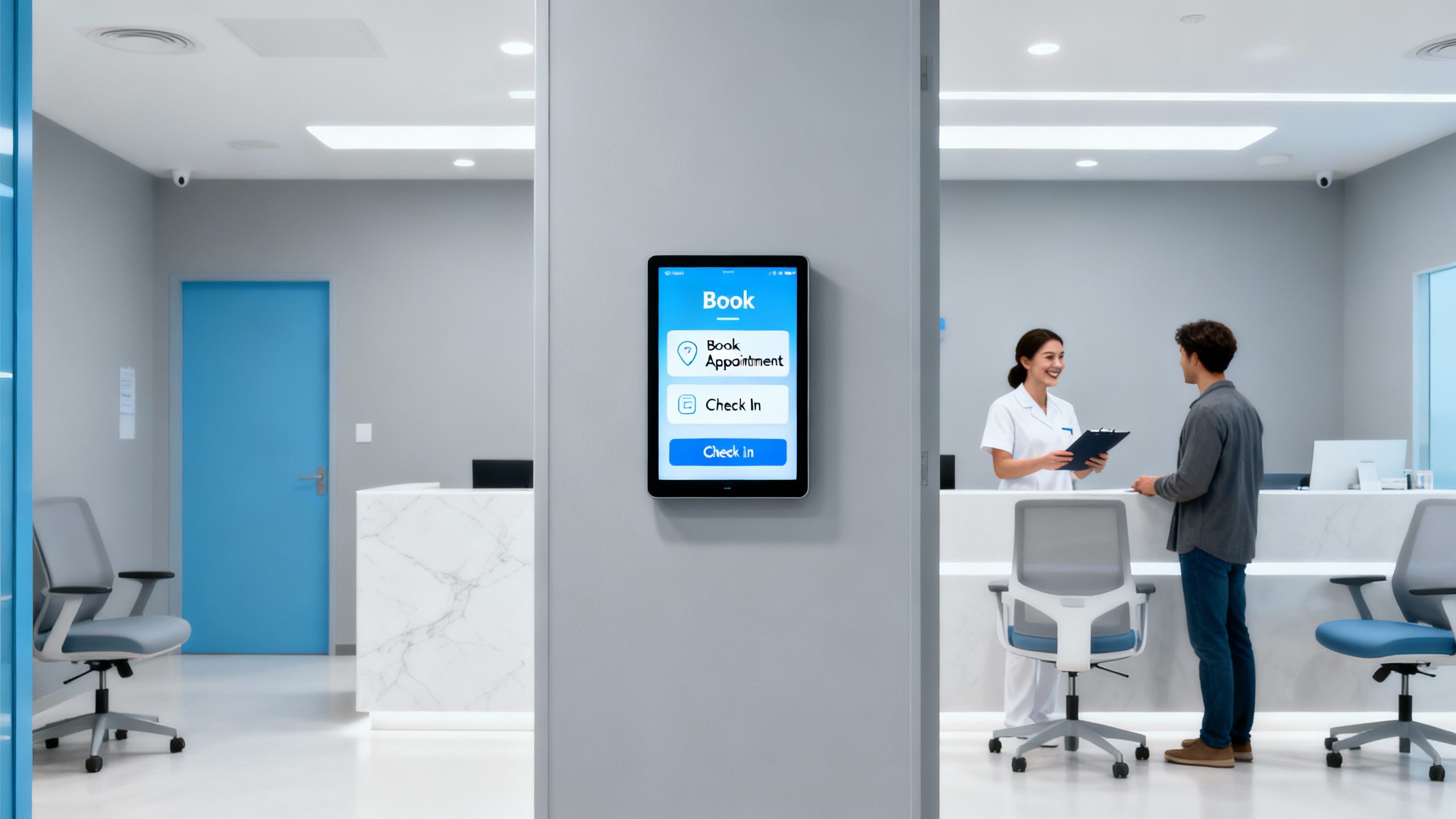
Deciding to automate is one step; choosing the right system is another. The right solution should:
- Meet your current needs
- Integrate with your existing tools
- Grow with your clinic over time
A thoughtful selection process will help you avoid having to switch platforms frequently, which can be disruptive for both staff and patients.
Evaluating Features For Your Clinic’s Needs
Start by considering what your clinic does day-to-day:
- Do you offer multiple treatment types with different durations?
- Do you provide telehealth consultations as well as in-person appointments?
- Do you see a high volume of new patients who need to complete detailed intake forms?
Useful features to look for include:
- Online booking interface: A user-friendly portal where patients can book, reschedule, or cancel appointments.
- Automated reminders: Customisable emails and SMS reminders that fit your clinic’s tone of voice.
- Calendar sync: Real-time synchronisation with practitioner calendars.
- Digital forms: For medical history, consent, and pre-treatment questionnaires.
- Telehealth integration: Built-in tools or links for video consultations.
- Reporting and analytics: Insights into appointment volume, peak booking times, and no-show rates.
By focusing on features that genuinely support your workflow and patient experience, you avoid paying for unnecessary extras.
Ensuring Seamless Integration With Existing Systems
Your booking system should not exist in isolation. Ideally, it will integrate with:
- Practice management or clinical systems
- Billing or invoicing tools
- Communication platforms (email, SMS)
Good integration ensures:
- Less duplicate data entry
- Better data accuracy
- A more cohesive digital ecosystem
For example, when a new patient books online, their information could automatically:
- Create or update a patient record
- Trigger a welcome email with directions and pre-appointment guidance
- Prepare the necessary forms for their visit
This level of integration supports a joined-up, professional experience from the outset.
Scalability And Future-Proofing Your Investment
As your clinic grows, your booking system needs to keep up. Consider whether the solution you choose can:
- Handle more practitioners and rooms
- Support additional locations if you expand
- Offer new features (such as advanced reporting or additional communication tools) when you need them
A scalable system allows you to start with what you need now, and add more functionality as your aesthetic clinic develops, avoiding the disruption of a complete platform change later.
Moving Forward with Automation
Bringing your clinic’s booking system into the digital age can transform the way you operate. Automation is not about replacing human interaction; it is about supporting your team so they can focus their energy where it matters most – on patient care and clinical quality.
By introducing automation carefully and thoughtfully, you can:
- Improve organisation and reduce avoidable errors
- Offer a smoother, more consistent patient journey
- Support your wider aesthetic clinic marketing by delivering a professional experience from the first search to the final follow-up
Over time, these improvements help to build a clinic that is efficient, welcoming, and trusted by patients.