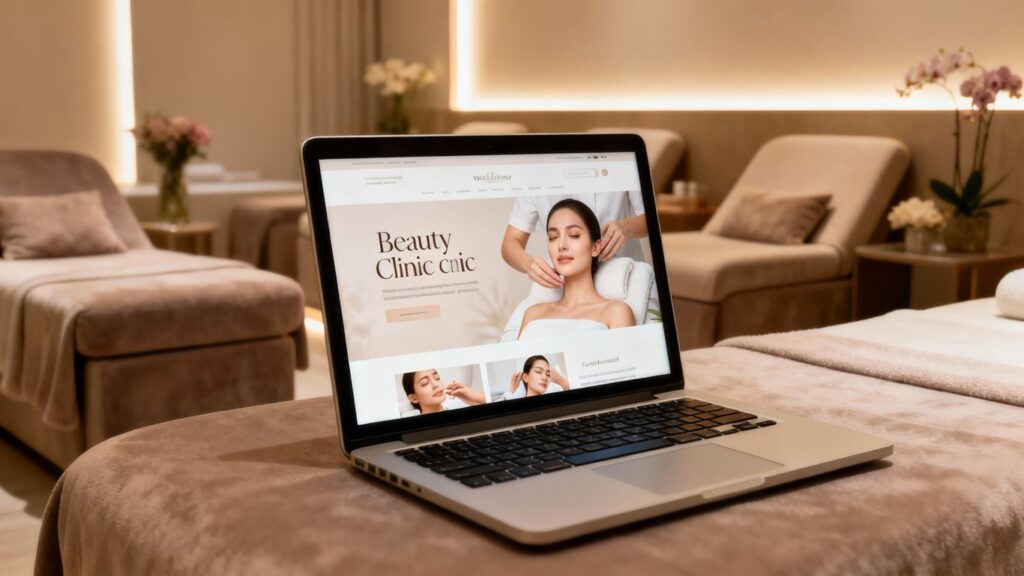
So, you’ve got a beauty clinic and you’re thinking about getting it online? Smart move. Having a website is now an essential part of aesthetic clinic marketing, and WordPress is a solid platform for building one. It might sound a bit technical, but it’s more straightforward than it seems.
In this guide, you’ll walk through how to create a WordPress website for your beauty clinic step by step, so you can attract more clients, present your expertise professionally, and build a reliable online presence for your clinic.
Key Takeaways
Choosing the right domain name and hosting is the first step to getting your clinic online.
A professional WordPress theme and user-friendly design help your website reflect your clinic’s brand and standards.
Clear service pages and a well-organised portfolio build trust with potential clients.
Online booking and a mobile-friendly design make it easier for clients to connect with you.
Consistent updates and basic analytics help you keep your website running smoothly and support long-term growth.
Establishing Your Online Presence: A WordPress Foundation
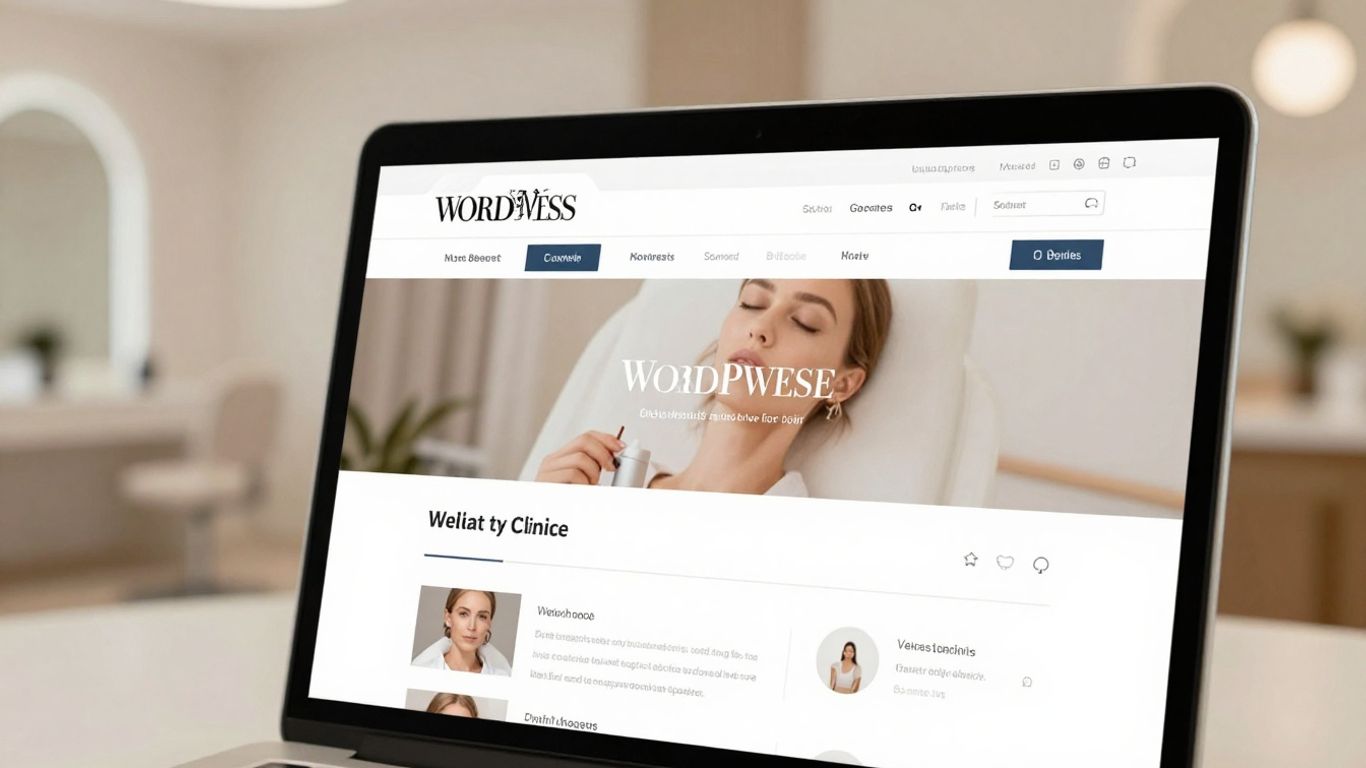
Setting up your beauty clinic’s website is the first big step in getting your business noticed online. Think of it as your digital shopfront. WordPress is a strong choice because it’s flexible, widely used, and manageable even if you’re not highly technical.
It gives you plenty of control over how your site looks and functions, which is ideal for aesthetic and beauty clinics that rely on visual appeal and trust.
Choosing Your Domain Name and Hosting
Your domain name is your website’s address, like www.yourclinicname.co.uk. It’s often the first thing potential clients see, so it should:
Reflect your brand identity
Be short, clear, and easy to spell
Ideally use a .co.uk (for UK-based clinics) or .com extension
For example, something like RadiantSkinClinic.co.uk is clear, professional, and easy to remember.
Next is hosting – this is where all your website files are stored. A good hosting provider helps ensure that:
Your site loads quickly
Your site is available consistently (look for 99.9% uptime)
WordPress can be installed easily (many providers offer one-click WordPress installs)
A reliable host with good performance and support is an important foundation for your clinic website and local SEO efforts.
Installing WordPress: Your Website’s Core
Most UK-based hosting providers make installing WordPress very straightforward. In many cases, it’s as simple as logging into your hosting account and clicking an “Install WordPress” button.
Once installed, you’ll gain access to the WordPress dashboard. This is your command centre, where you can:
Create and edit pages and blog posts
Manage menus, images, and media
Install and configure plugins
Adjust settings, contact forms, and booking tools
Spending a little time getting comfortable with the dashboard will make the rest of the process much easier and give you confidence in managing your clinic website long term.
Selecting A Theme That Reflects Your Brand
Your website’s theme controls its overall look and layout. There are thousands of WordPress themes available. While free themes exist, investing in a well-supported premium theme can be a smart choice for a professional clinic.
When choosing a theme, look for:
Visually appealing design – clean, modern, and suitable for a beauty or aesthetic clinic
Customisation options – the ability to change colours, fonts, and layouts to match your brand identity
Responsive design – your website should look good and work well on desktops, tablets, and mobiles
Ongoing support and updates – to keep your site secure and compatible with new versions of WordPress
Think about the atmosphere of your clinic. Is it calm and spa-like, clinical and medical, or modern and high-tech? Your website should communicate that feeling immediately. Most themes allow you to preview how they’ll look before you commit, so take your time to choose one that suits your services, clientele, and brand.
Crafting Compelling Content For Your Beauty Clinic Website
Your website’s content is what tells your story and explains your expertise. It should be:
Clear and easy to understand
Client-focused, explaining benefits rather than just listing features
Consistent with your tone – friendly, professional, and reassuring
Think of your website as more than a brochure. It’s a place where potential clients can learn about treatments, compare options, and feel confident in booking with you.
Designing An Engaging Homepage
Your homepage is usually the first page visitors see, so it should make a strong and immediate impression.
Consider including:
A clear headline summarising what your clinic offers (for example, “Advanced Skin and Aesthetic Treatments in Manchester”)
A short introductory paragraph explaining who you are and who you help
A prominent call to action, such as “Book an Appointment”, “View Our Treatments”, or “Contact Our Clinic”
High-quality images of your clinic, treatment rooms, or team (with consent where needed)
Quick links to popular treatments, such as facials, injectables, or laser treatments
An effective homepage should let visitors quickly understand:
What you do
Where you are
Why they should trust you
What to do next (e.g. book, call, or enquire)
This is also a great place to naturally include phrases related to aesthetic clinic marketing and local SEO for clinics, such as referencing your location and core services.
Showcasing Your Services And Treatments Effectively
Each service you offer deserves its own dedicated space on your website. Instead of simply listing treatment names, aim to educate and reassure.
A simple structure for each service page might be:
Service Name – for example, “Deep Cleansing Facial”
Overview – what the treatment is and what it aims to achieve
Key Benefits – how it can help clients (e.g. clearer complexion, improved texture)
Duration – estimated treatment time
Price or Price Range – clear information, even if you use “from £X”
Who It’s Suitable For – for example, “ideal for congested or oily skin”
Clear, informative service pages help visitors:
Understand the outcome they can expect
Compare different treatments
Feel more confident about booking online
This approach also supports SEO, as each page can focus on specific treatment-related keywords combined with your location.
Building A Professional Portfolio Of Your Work
In the beauty and aesthetic industry, visual proof is incredibly powerful. A well-organised portfolio or gallery can play a big role in building trust.
Consider including:
Before-and-after photos of treatments (only with explicit written consent from clients, in line with UK data protection and advertising guidance)
Short case summaries, such as “Client X wanted to improve skin texture over 3 sessions”
A mix of treatments, so visitors can see the breadth of your work
Make sure your images are:
Well-lit and clear
Accurately representative of your results
Displayed in a way that’s easy to browse on mobile and desktop
A professional portfolio acts as a visual testament to your skills, giving potential clients a realistic idea of what they can expect when they choose your clinic.
Enhancing User Experience And Functionality
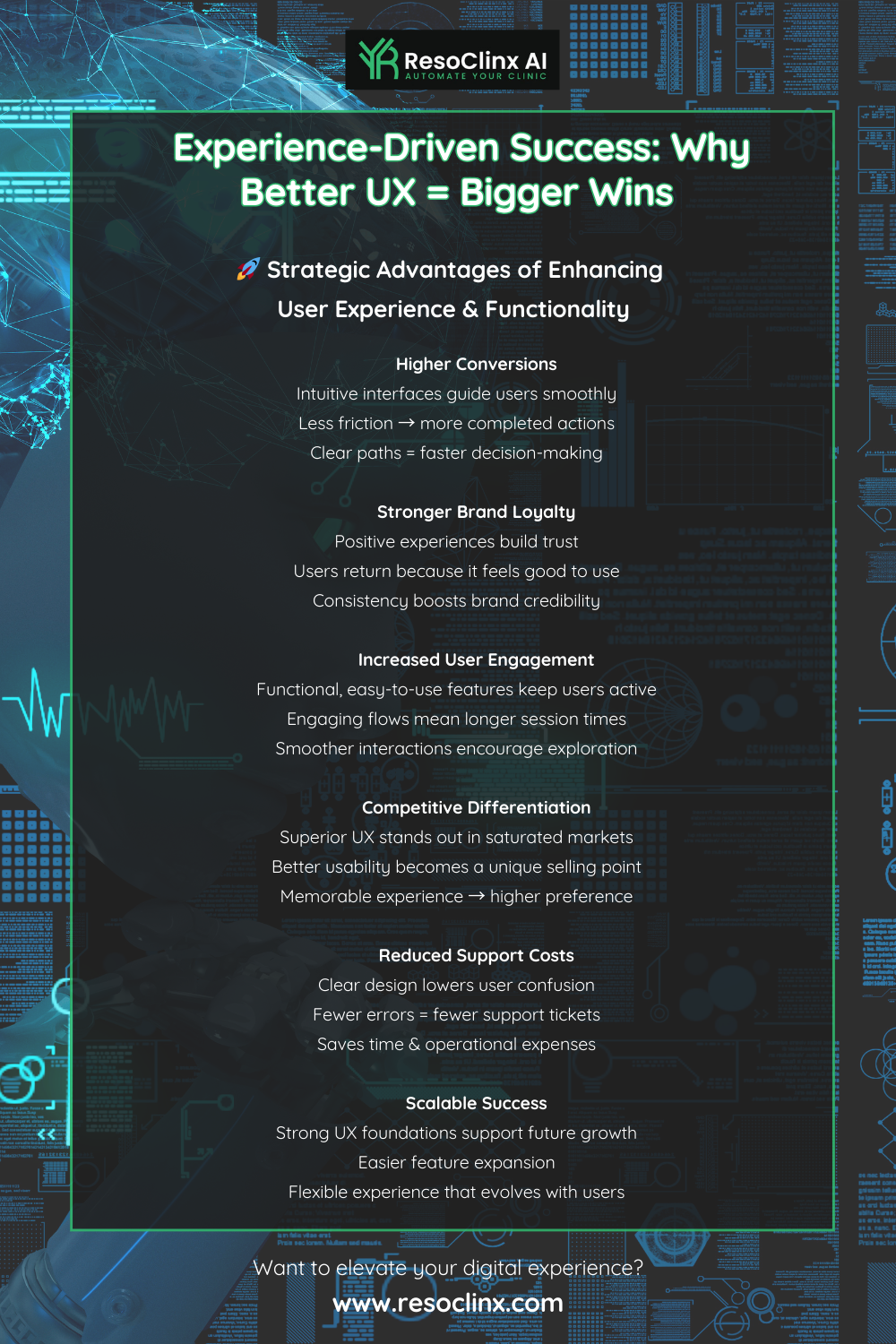
A beautiful site is important, but usability matters just as much. Clients should be able to:
Find key information quickly
Navigate your site without confusion
Book or enquire with minimal effort
Improving user experience (UX) makes the site more enjoyable to use and supports better conversion rates – turning visitors into bookings or enquiries.
Implementing a Seamless Online Booking System
An online booking system can transform how your clinic operates. Rather than relying on phone calls and voicemails, clients can book appointments at their convenience, including outside your opening hours.
Look for a booking plugin or system that offers:
Real-time availability – so clients can see accurate time slots
Automated confirmations and reminders – via email or SMS, which can help reduce no-shows
Integration with your existing calendar – to avoid double bookings
Optional online payments or deposits – if this suits your business model and UK regulations
The booking process should feel like a natural part of your website, with consistent design and clear steps. Make sure:
The “Book Now” button is easy to find from the homepage and service pages
The booking form only collects the information you truly need
Clients receive a clear confirmation once their appointment is booked
This makes life easier for both your team and your clients, and supports smoother clinic operations.
Integrating Social Media for Enhanced Engagement
Your social media accounts – such as Instagram or Facebook – are where many clients first see your work. Integrating them with your website helps create a joined-up online presence.
You might:
Add icons linking to your social profiles in your header and footer
Embed a live Instagram feed on your homepage or gallery page
Include share buttons on blog posts so readers can share your content
This approach helps:
Show that your clinic is active and up to date
Reinforce your brand visuals across platforms
Build a sense of community and ongoing engagement
Used well, social media and your website support each other, rather than working in isolation.
Optimising for Mobile Responsiveness
A large proportion of people will visit your site from their mobile phones, especially when searching for local clinics or looking for last-minute appointments. If your website doesn’t display well on smaller screens, visitors are likely to leave quickly.
A mobile-responsive website:
Automatically adjusts layouts for different screen sizes
Keeps text readable without zooming
Ensures buttons and links are easy to tap
Loads quickly on mobile connections
Most modern WordPress themes are responsive by default, but it’s still important to:
Test your site on different devices (phone, tablet, desktop)
Use tools such as Google’s mobile-friendly checks to see if there are any issues
Avoid very large images or heavy elements that might slow down loading
Good mobile responsiveness is important not only for user experience, but also for search visibility, as search engines take mobile performance into account.
Driving Traffic And Conversions
Once your site is live, the next step is making sure people actually find it and take action. In digital marketing for aesthetic clinics, this means:
Driving relevant traffic – people who are genuinely interested in your treatments
Encouraging them to book, call, or enquire
This is where SEO (Search Engine Optimisation) and conversion-focused design come together.
Search Engine Optimisation Essentials For Clinics
Search engines like Google act as a modern directory for services. When someone searches “chemical peel near me” or “aesthetic clinic in London”, you want your site to appear as prominently as possible.
Some key SEO essentials for clinics:
Keywords: Identify phrases clients might use, such as “facial treatments in Birmingham”, “laser hair removal clinic”, or “aesthetic clinic in Leeds”. Use these naturally in:
Page titles and headings
Meta descriptions
Service descriptions
Blog posts
On-page optimisation:
Use clear headings and subheadings (H1, H2, H3)
Write descriptive meta titles and descriptions so searchers know what your page is about
Use alt text for images, describing what is shown (this supports accessibility and SEO)
Content quality:
Create helpful, informative content that answers real questions clients have
Regularly update your blog with topics such as treatment explanations, aftercare tips, or skin health advice
Website speed and structure:
Ensure your site loads reasonably quickly
Keep your navigation simple and logical so visitors and search engines can easily find content
By focusing on these fundamentals, you help search engines understand what your site offers and who it’s for – which supports your overall local SEO for clinics.
Leveraging Local SEO To Attract Nearby Clients
For most beauty and aesthetic clinics, local clients are the main source of business. That’s where local SEO becomes particularly important.
Key elements of local SEO include:
Google Business Profile (GBP):
This is a free listing that shows your clinic on Google Maps and local search results
Make sure your name, address, and phone number (NAP) are accurate and consistent
Add your opening hours, website link, services, and photos
Encourage satisfied clients to leave honest reviews, and reply to them professionally
Consistent business details across directories:
Ensure your clinic’s name, address, and contact number are consistent wherever they appear online
Focus on reputable local or industry directories, rather than trying to list your clinic everywhere
Location-specific content:
Use references to your city or area throughout your site where natural
For example, “advanced anti-wrinkle treatments in Bristol” or “laser hair removal clinic in Glasgow”
Reviews and reputation:
Reviews are an important trust signal for both search engines and potential clients
Where appropriate, ask happy clients if they’d be willing to leave a review on your Google Business Profile
These steps work together to make it easier for nearby clients to discover your clinic when they search for treatments in your area.
Developing A Content Marketing Strategy
A content marketing strategy helps your clinic become a trusted source of information, not just a place that offers treatments. This supports both SEO and client trust.
Types of content you might create include:
Blog posts – for example:
“What to Expect from Your First Chemical Peel”
“How to Choose the Right Facial for Your Skin Type”
“Common Questions About Anti-Wrinkle Injections”
Detailed service pages – expanding on:
Who each treatment is suitable for
Expected results
How many sessions are usually required
Downtime and aftercare considerations
Before-and-after stories – sharing client journeys (with consent), including images and explanations of the process
Short videos – such as treatment overviews, FAQs, or practitioner introductions
By consistently publishing clear, educational content, you position your clinic as knowledgeable and trustworthy. Over time, this can help your site rank for more searches and support long-term aesthetic clinic marketing efforts.
Essential Website Features For Beauty Clinics
Beyond design and content, certain practical features can make your website more effective for both clients and staff. Think of your website as an extension of your clinic’s customer service.
Client Testimonials and Reviews
People often look for reassurance from others before choosing a clinic. Including client testimonials and reviews on your website can significantly boost trust.
You might:
Feature a testimonials section on your homepage
Add short quotes on relevant treatment pages
Highlight star ratings where appropriate
Make sure testimonials are:
Genuine and specific
In line with UK advertising standards for aesthetic treatments
Used with the client’s permission
Displaying authentic feedback shows that you deliver real results and that other people have had positive experiences with your clinic.
E-commerce Capabilities For Product Sales
If you offer skincare or aftercare products, adding a shop section to your WordPress site can be a useful way to:
Make it easier for existing clients to reorder products
Provide aftercare solutions that support treatment outcomes
Add an additional revenue stream
When setting up e-commerce features:
Clearly display prices, product descriptions, and usage instructions
Ensure your checkout process is straightforward
Make sure any claims about products are accurate and compliant with UK guidance
This can be especially helpful for clients who may not live very close to the clinic but want to continue using your recommended products.
Contact Information and Location Details
It may sound basic, but having clear and accessible contact information is crucial.
Create a dedicated “Contact” page that includes:
Phone number – ideally clickable on mobile
Email address or contact form
Full clinic address
Opening hours
A map showing your location
You can also repeat key details, such as your phone number and key call-to-action, in the header or footer so they’re visible on every page. This makes it easy for visitors to get in touch quickly when they’re ready to book or ask a question.
Information Type | Details to Include |
|---|---|
Phone Number | Direct line to the clinic |
Email Address | For general inquiries and bookings |
Clinic Address | Full street address |
Opening Hours | Days and times the clinic is open |
Map | Embedded Google Map for easy directions |
Maintaining And Growing Your Website
Your beauty clinic website is not a one-time project. To keep it useful and secure, it needs ongoing care, just like your physical clinic.
Regular Website Updates and Maintenance
Regular maintenance protects your site and helps it run smoothly.
Important tasks include:
Keeping WordPress, themes, and plugins updated – updates often include security fixes and performance improvements
Refreshing content – review your service descriptions, pricing, and images periodically to ensure they’re still accurate
Adding new content – such as recent blog posts, new treatment pages, or updated portfolio photos
Creating regular backups – ideally automatic, so you can restore your site if something goes wrong
Occasionally checking website speed and performance
A well-maintained website gives a better impression to visitors and can support better search performance over time.
Utilising Analytics to Understand Your Audience
Basic website analytics can help you understand how people use your site. Even simple reports can offer useful insights, such as:
How visitors find you – for example, search engines, social media, or direct visits
Which pages are most popular – such as specific treatments or blog posts
How long people stay on the site and which pages they leave from
Whether they complete important actions, such as filling in a contact form or reaching the booking page
You don’t need to become a data expert. Instead, use analytics to:
Identify pages that perform well and learn from them
Spot areas where people drop off and consider how those pages might be improved
Understand which topics your audience finds most interesting, and create more content in those areas
This supports more informed, evidence-based decisions about your aesthetic clinic marketing strategy.
Exploring Growth Tools and Plugins
One of WordPress’s strengths is its wide range of plugins, which can add extra functionality to your website as your clinic grows.
Examples of helpful tools include:
SEO plugins – to help you manage on-page SEO elements
Email marketing integrations – so visitors can sign up to receive clinic news or educational content
CRM-style tools – that help you keep track of enquiries and client communication
Live chat or messaging widgets – if you want to offer quick answers to simple questions
When adding plugins:
Choose reputable, well-reviewed options
Avoid installing more tools than you need, as this can slow your site
Test each new plugin carefully to make sure everything continues to work as expected
Used thoughtfully, these tools can help you grow and streamline your digital presence without overwhelming your team.
Your Digital Doorway Awaits
Building a professional website for your beauty clinic on WordPress may feel like a big project at first, but by breaking it down into clear steps, it becomes much more manageable.
You’ve seen how to:
Lay a solid technical foundation with domain, hosting, and WordPress
Choose a theme that reflects your clinic’s brand and atmosphere
Create informative service pages, a strong portfolio, and useful blog content
Improve user experience with online booking, mobile responsiveness, and social media integration
Support long-term growth through SEO, local SEO, maintenance, and analytics
Think of your website as your clinic’s digital doorway – a place where potential clients can learn, build trust, and take the next step with confidence. With consistent care and thoughtful content, your site can become a key part of your overall aesthetic clinic marketing strategy, supporting your reputation and helping clients find the treatments that are right for them.