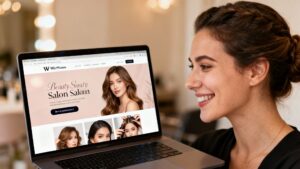
So, you’re thinking about building a website for your beauty salon, and you’ve heard WordPress is the way to go. It can seem like a lot, especially if you’re not super tech-savvy. But honestly, it’s totally doable. This guide will walk you through how to build a WordPress website for a beauty salon, from picking a name to getting it live and looking good. We’ll keep it simple and practical, so you can focus on what you do best – making your clients feel fabulous.
Key Takeaways
-
Choose WordPress for your salon website; it’s a solid, flexible platform.
-
Get a domain name and hosting sorted to get your site online.
-
Pick a theme that fits your salon’s style and show off your services well.
-
Use good photos and client reviews to build trust and attract new customers.
-
Make sure booking online is easy and the site works on phones.
Establishing Your Online Presence: The Foundation
Choosing Your Website Platform: WordPress Power
Setting up your beauty salon’s online home starts with picking the right tools. For a salon website, WordPress is a really solid choice. It’s flexible, widely used, and there’s a huge community ready to help if you get stuck. Think of it as a blank canvas that you can shape to perfectly fit your salon’s style and needs. It’s not just about looking good; it’s about building a functional space that works for you and your clients. WordPress offers a robust foundation that can grow with your business.
Securing Your Domain Name and Hosting
Next up, you need an address for your website – that’s your domain name (like yourbeautysalon.co.uk). It’s the first thing people see, so pick something memorable and relevant to your salon. Then, you’ll need a place to ‘host’ your website files. This is like renting space on the internet. There are loads of hosting providers out there, and it’s worth doing a bit of research to find one that’s reliable and fits your budget. A good host means your website will load quickly and be available when clients look for you.
Here’s a quick breakdown of what to consider:
-
Domain Name: Keep it short, easy to spell, and related to your salon’s name or services.
-
Hosting Provider: Look for good uptime (how often the site is online), decent speed, and helpful customer support.
-
SSL Certificate: Make sure your host provides one (often free) to keep your site secure with
https://.
Essential WordPress Setup for Your Salon
Once you’ve got WordPress installed on your hosting, there are a few key things to get sorted. You’ll want to install a theme that suits a beauty salon – something clean and professional. Then, think about the basic pages you’ll need: a homepage, a services page, an ‘about us’ section, and a contact page. It’s also a good idea to set up a privacy policy and terms of service early on. These might seem like small details, but they build trust with your visitors right from the start.
Getting these foundational elements right means you’re building on solid ground. It makes everything else, from design to bookings, much smoother down the line. Don’t rush this part; it’s the bedrock of your online presence.
Designing a Captivating Beauty Salon Website
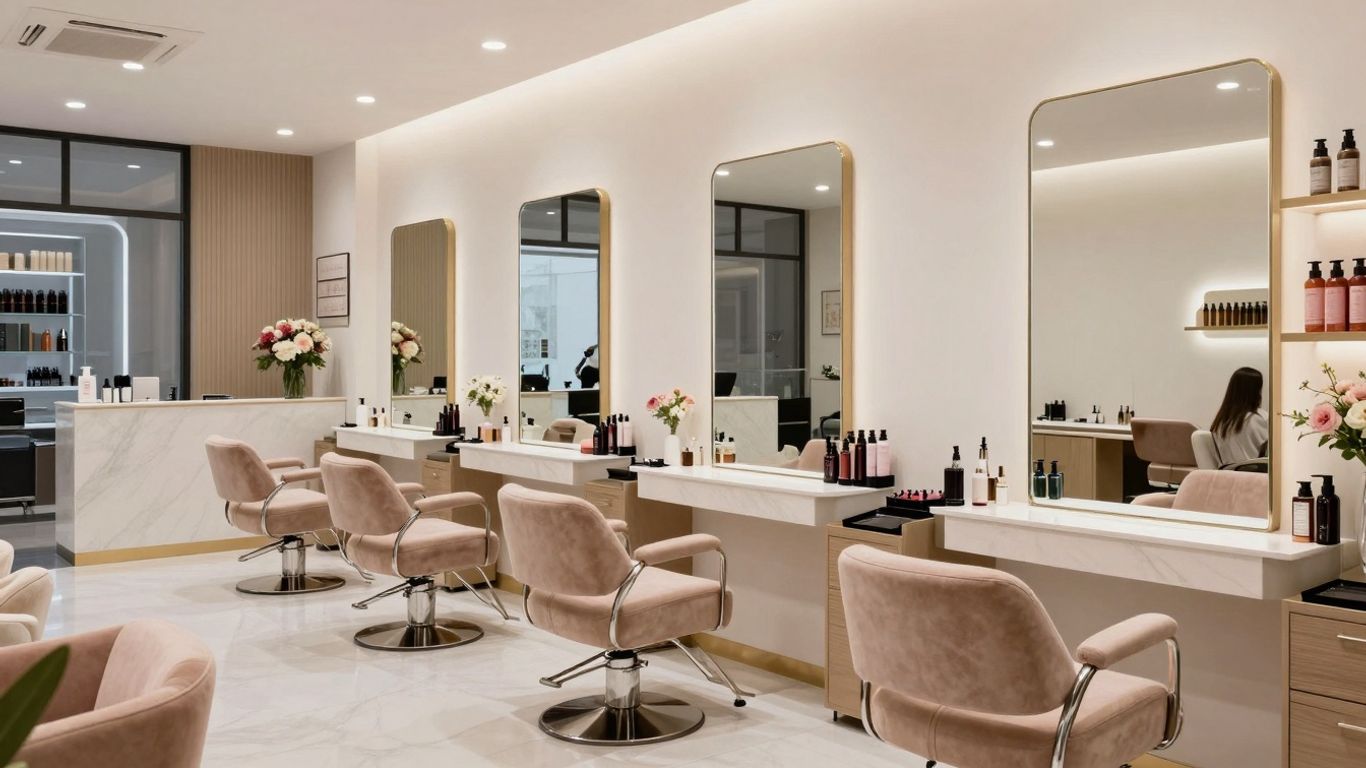
Your website is your digital shop window. It needs to look good, feel right, and tell people exactly what you do and why they should choose you. Think of it as the first handshake with a potential client – it needs to be a good one.
Selecting the Perfect WordPress Theme
Choosing the right theme is like picking the perfect outfit for your salon. It sets the tone and the overall feel. You want something that looks professional, is easy to use, and, most importantly, reflects your salon’s unique style. Look for themes that are designed with beauty businesses in mind. These often come with pre-built sections for services, galleries, and testimonials, which saves you a lot of time.
Key things to check for in a theme:
-
Mobile-friendliness: Most people will look at your site on their phones. It has to look good and work well on a small screen.
-
Customisation options: Can you easily change colours, fonts, and layouts to match your brand?
-
Speed: A slow website is a big turn-off. Make sure the theme is built for speed.
-
Reviews and support: See what other users say and if the theme developer offers good help.
Crafting a Visually Appealing Homepage
The homepage is your salon’s introduction. It needs to grab attention straight away. Use high-quality images of your salon, your team, and, of course, your amazing work. A strong headline that clearly states what you do and who you serve is also a must. Think about what makes your salon special and highlight that right at the top.
Your homepage should answer these questions quickly:
-
What services do you offer?
-
Where are you located?
-
Why should I book with you?
Showcasing Your Services Effectively
People visit your website to find out what you offer. Make it easy for them. List your services clearly, with brief, descriptive explanations. If you have different price points or packages, present them in an easy-to-understand way. A table can be really useful here to compare different treatments or packages.
|
Service Category |
Specific Treatment |
Price (£) |
Duration |
|---|---|---|---|
|
Hair |
Cut & Blow Dry |
55 |
1 hour |
|
Balayage |
120 |
3 hours |
|
|
Nails |
Gel Manicure |
40 |
45 mins |
|
Acrylics |
60 |
1.5 hours |
|
|
Beauty |
Facial (60 min) |
75 |
1 hour |
|
Brow Lamination |
45 |
30 mins |
Don’t just list services; describe the benefits of each treatment. What problem does it solve for the client? How will it make them feel? This is where you sell the experience, not just the service.
Building Trust and Credibility Online
In the beauty industry, trust is everything. Your website is often the first place a potential client gets to know you, so it needs to feel reliable and professional. This is where you show off not just your skills, but also your commitment to client care and safety. Making sure people feel confident in choosing your salon is key to getting them through the door.
Creating a Professional Portfolio of Your Work
Your portfolio is your visual story. It’s where you let your best work speak for itself. Think of it as a gallery showcasing the transformations and results you achieve for your clients. High-quality photos are a must here; they really make a difference in how people perceive your skills.
-
Showcase a variety of services: Include examples of different treatments you offer, from haircuts and colour to facials and manicures.
-
Use before-and-after photos: These are incredibly powerful for demonstrating the impact of your work. Always get explicit consent from your clients before sharing their images.
-
Invest in good photography: Natural light is often best. Make sure the photos are clear, well-lit, and show the results accurately.
-
Add brief descriptions: For each image, include a short note about the service provided and any specific client goals achieved.
Leveraging Client Testimonials and Reviews
What people say about you is often more convincing than anything you can say yourself. Genuine testimonials and reviews act as powerful social proof, showing potential clients that others have had great experiences at your salon.
-
Ask for reviews: Make it easy for happy clients to leave feedback. You could have a link on your website or send a follow-up email after their appointment.
-
Display reviews prominently: Feature a selection of the best testimonials on your homepage or a dedicated ‘Reviews’ page.
-
Respond to feedback: Acknowledge both positive and negative reviews professionally. This shows you care about client experience and are willing to address concerns.
Transparency about your services and client experiences builds a strong foundation of trust. It shows you’re confident in your abilities and value your clients’ opinions.
Highlighting Health and Safety Protocols
Especially in today’s world, clients want to know that your salon is a safe and hygienic place to be. Clearly outlining your health and safety measures on your website can put minds at ease and demonstrate your professionalism.
Here’s what you might want to include:
-
Cleaning and sanitisation procedures: Detail how you keep your salon and equipment clean between clients.
-
Staff hygiene practices: Mention handwashing protocols and the use of personal protective equipment if applicable.
-
Ventilation and air quality: If you have specific measures in place, such as air purifiers, highlight them.
-
Any relevant certifications or training: If your staff have completed specific health and safety courses, mention it.
By being open about your practices, you show that client well-being is a top priority, which is vital for building lasting trust and credibility.
Optimising for Client Bookings and Engagement
Making it easy for clients to book appointments and stay connected with your salon is key to a successful online presence. Think of your website as your most helpful receptionist, available 24/7.
Integrating Seamless Online Appointment Booking
This is probably the most important part of your salon website. If people can’t book easily, they’ll likely go elsewhere. A good booking system should show your real-time availability, letting clients pick a time that suits them without needing to call or wait for an email reply. This immediate confirmation is a big deal for busy people.
-
Real-time availability: Clients see exactly when you’re free.
-
Instant confirmation: No more back-and-forth emails.
-
Service selection: Clients can choose the exact treatment they want.
-
Deposit or payment options: This helps secure the booking and reduces no-shows.
Consider adding online forms for new clients to fill out before their appointment. It saves time on the day and makes a professional first impression.
Enhancing User Experience with Mobile Responsiveness
Most people browse the internet on their phones these days. If your website looks messy or is hard to use on a small screen, you’re losing potential clients. Your website needs to look good and work perfectly on any device, whether it’s a desktop computer, tablet, or smartphone. This means clear text, easy-to-click buttons, and images that load quickly.
Here’s why it matters:
-
Accessibility: Clients can book appointments anytime, anywhere.
-
User satisfaction: A good experience keeps people on your site longer.
-
Search engine ranking: Google prefers mobile-friendly websites.
Implementing Clear Calls-to-Action
Once a visitor is on your site, you need to guide them on what to do next. Clear calls-to-action (CTAs) tell people exactly what you want them to do. Buttons like “Book Now”, “View Services”, or “Contact Us” should be prominent and easy to find.
Think about where these CTAs should go:
-
On your homepage, encouraging first-time visitors.
-
On your services pages, leading directly to booking.
-
In your website’s header or footer for constant visibility.
Using action-oriented language helps encourage clicks. For example, instead of just “Appointments”, try “Book Your Appointment Today”. This makes it clear what the next step is and prompts action.
Marketing Your Salon Through Your Website
So, you’ve got a spiffy new website for your beauty salon. That’s brilliant! But just having it online isn’t quite enough, is it? We need to make sure people actually find it and then book those appointments. Think of your website as your best salesperson, working around the clock. We just need to give it the right tools and direction.
Understanding Local SEO for Beauty Businesses
This is all about making sure people in your local area can find you when they search online. If someone in your town searches for “hairdresser near me” or “beauty salon [your town name]”, you want your salon to pop up. It’s like having a prime spot on the high street, but online.
Here’s how to get started:
-
Google Business Profile: This is a free listing from Google. Make sure it’s complete with your salon’s name, address, phone number, opening hours, and photos. Encourage clients to leave reviews here – they really help!
-
Local Keywords: Use words on your website that people in your area would search for. Think about your services and location. For example, “gel nails in [your town]” or “massage therapy [your neighbourhood]”.
-
Online Directories: Get your salon listed on other local business directories. Consistency is key here – make sure your name, address, and phone number (NAP) are the same everywhere.
-
Reviews: Positive reviews on Google, Yelp, or other platforms build trust. Ask happy clients if they’d be willing to leave a review. It makes a big difference.
Utilising Social Media Integration
Your website and social media should work together. It’s not about being on every platform, but being on the ones where your clients hang out. Instagram and Facebook are usually big hitters for beauty salons.
-
Link Your Profiles: Make sure your social media links are clearly visible on your website, usually in the header or footer. This lets visitors easily find and follow you.
-
Share Website Content: When you post on social media, link back to relevant pages on your website. For example, share a photo of a new hairstyle and link to your “Book Now” page or the specific service page.
-
Embed Feeds: Consider embedding your Instagram feed directly onto your website. This keeps your site looking fresh with recent photos and shows off your work visually.
-
Run Social Media Ads: Use social media advertising to target people in your local area who might be interested in your services. Direct these ads to specific pages on your website, like a special offer or your booking page.
Developing a Content Strategy for Engagement
Content isn’t just about selling; it’s about connecting with your audience and showing them you know your stuff. This builds trust and keeps them coming back.
-
Blog Posts: Write about topics your clients care about. Think “Top tips for healthy hair in winter,” “How to choose the right facial,” or “The benefits of a deep tissue massage.” This positions you as an expert.
-
Service Spotlights: Dedicate pages or blog posts to specific popular services. Explain what they involve, who they’re for, and the results clients can expect. Use high-quality photos, maybe even before-and-after shots (with permission, of course!).
-
Behind-the-Scenes: Share photos or short videos of your salon, your team, or even a quick demo of a treatment. This makes your salon feel more personal and approachable.
-
Client Features: With permission, showcase client transformations or share their positive experiences. This kind of social proof is incredibly powerful for attracting new business.
Your website is more than just a digital brochure; it’s a dynamic tool that can actively bring new clients through your door. By focusing on local search visibility, integrating your social media presence, and creating engaging content, you’re not just building a website – you’re building a marketing engine for your salon.
Launching and Maintaining Your Salon Website
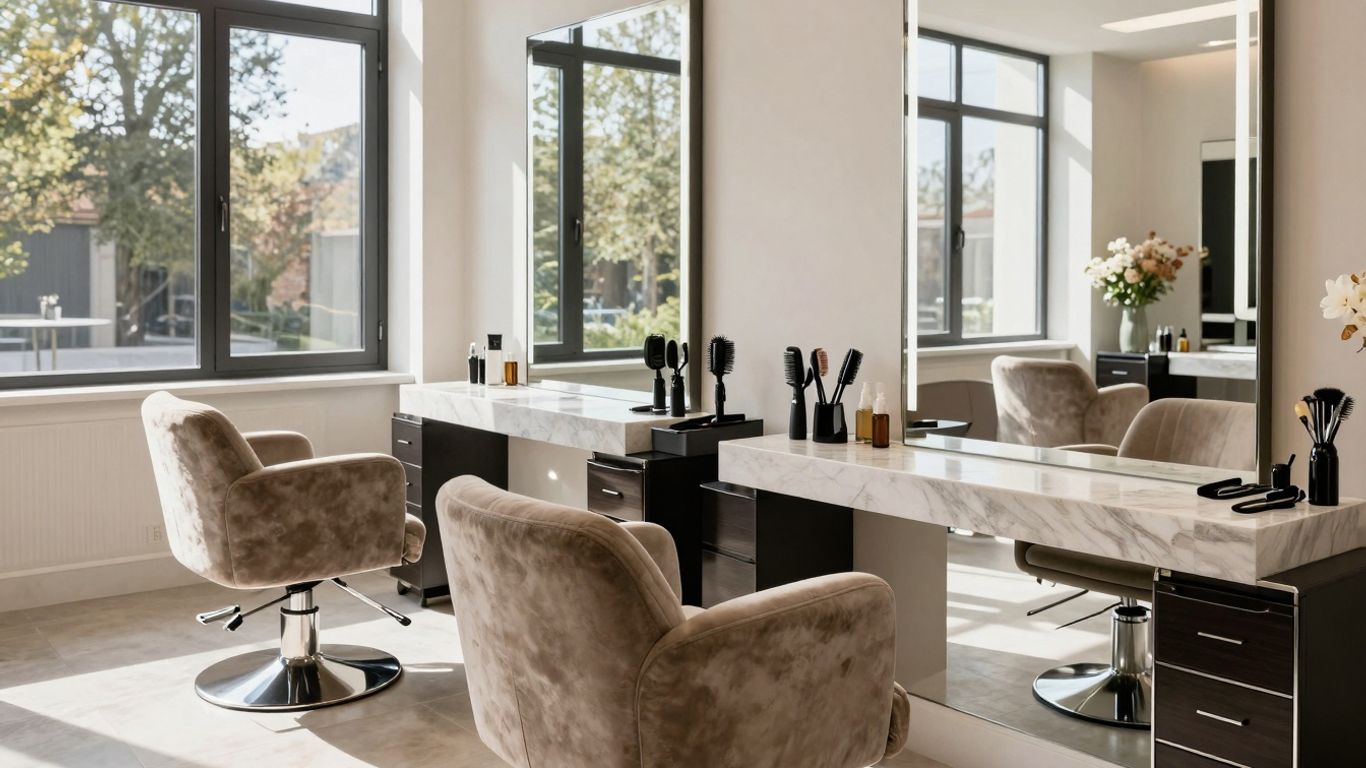
So, you’ve put in the work, designed a beautiful site, and it’s ready to go live. That’s fantastic! But the journey doesn’t end at launch; it’s really just the beginning. Keeping your website running smoothly and effectively is key to its long-term success.
Streamlining the Website Launch Process
Getting your salon’s website out into the world doesn’t have to be a drawn-out affair. With a clear plan, you can often have a professional site up and running in about 10 to 14 days. The trick is to have all your content ready to go before you even start building.
Here’s a rough idea of how that timeline might look:
-
Days 1-2: Planning & Content Gathering: This is where you collect everything needed – your salon’s photos, detailed service descriptions, and staff biographies. You’ll also define what you need from your booking system.
-
Days 3-7: Design & Development: Time to customise your chosen theme with your salon’s branding, set up your service pages with pricing, and get that online booking system working. Don’t forget contact forms and maps!
-
Days 8-9: Review & Revisions: You’ll want to look over everything with a fine-tooth comb. Get feedback on the design and content, and make any final tweaks to ensure it’s perfect.
-
Day 10: Launch & Promotion: Hit that publish button! Double-check that all the links and features are working correctly. Then, let the world know – submit your site to search engines and announce it on your social media channels.
Having a structured approach and all your materials prepared upfront is the most effective way to speed up the launch process. It means less time waiting and more time attracting clients.
Essential Website Maintenance and Security
Think of your website like a physical salon – it needs regular cleaning and upkeep to stay welcoming and functional. Websites aren’t ‘set and forget’ things; they require ongoing attention to keep them secure, running fast, and up-to-date.
Here’s what you should be looking at:
-
Technical Updates: This includes things like security patches for WordPress and your plugins, optimising performance, and making sure your SSL certificate is renewed. Regular backups are also a must, just in case.
-
Content Refresh: Keep your services, pricing, and staff information current. Add new photos of your work and any recent client testimonials. Seasonal promotions or special offers should also be updated promptly.
Many web design services offer monthly maintenance packages. These can range from around £20 to £100 per month, depending on the level of support. This predictable cost is often much more sensible than dealing with unexpected issues later on.
Measuring Your Website’s Performance
Once your website is live and running, you’ll want to know how it’s doing. Are people finding it? Are they booking appointments? Tracking your website’s performance helps you understand what’s working and where you can make improvements.
Key things to keep an eye on include:
-
Website Traffic: How many people are visiting your site? Where are they coming from (e.g., Google searches, social media)?
-
Booking Conversions: How many visitors are actually making a booking through your website?
-
Bounce Rate: What percentage of visitors leave your site after viewing only one page?
-
Top Performing Pages: Which pages are getting the most attention?
Tools like Google Analytics can provide this information. By regularly reviewing these metrics, you can make informed decisions about your website’s content, design, and marketing efforts, helping it to continually serve your business effectively.
Wrapping Up Your Beauty Salon’s Online Presence
So, you’ve made it through the steps to get your beauty salon’s website up and running on WordPress. It might have seemed like a lot at first, but hopefully, you can see that with a clear plan, it’s totally achievable. Having a good website is like having a virtual front door that’s always open, showing off your skills and making it easy for clients to book appointments. Keep updating it with your latest work and client feedback, and it’ll continue to be a strong tool for your business. You’ve got this!
Frequently Asked Questions
Why do I need a website for my beauty salon?
Think of your website as your salon’s online shop window, open 24/7. Most people search for salons online before booking, so if you don’t have a website, you’re missing out on a huge number of potential clients. It’s also where you can show off your amazing work, list your services, and make it super easy for people to book appointments.
What is WordPress and why is it good for my salon website?
WordPress is like a super-popular building kit for websites. It’s used by loads of businesses because it’s easy to use, flexible, and you can add all sorts of cool features with plugins. For a salon, this means you can have a professional-looking site that’s also easy to update with your latest offers or photos.
How do I make my website look good and attract clients?
You’ll want to pick a nice-looking design, called a ‘theme’, that fits your salon’s style. Use plenty of high-quality photos of your best work – before-and-after pictures are brilliant! Make sure your homepage clearly shows what you offer and why clients should choose you. Keep it clean, easy to look at, and professional.
How can clients book appointments through my website?
You can add a booking system directly to your website. This lets clients see your available times and book appointments online without having to call. It’s super convenient for them and saves you time too. Many booking systems can be added as a ‘plugin’ to your WordPress site.
What is SEO and how does it help my salon website?
SEO stands for Search Engine Optimisation. It’s all about making your website easy for search engines like Google to find. When people search for ‘hairdresser near me’ or ‘beauty salon [your town]’, good SEO helps your website appear higher up in the search results, meaning more people will see it and hopefully book with you.
How do I keep my salon website up-to-date and secure?
Just like your salon needs regular cleaning, your website needs looking after too. This means updating WordPress and any plugins regularly to keep it safe from hackers. You should also add new photos, services, and testimonials often to keep it fresh and engaging for visitors. It’s worth setting aside a little time each month for this.