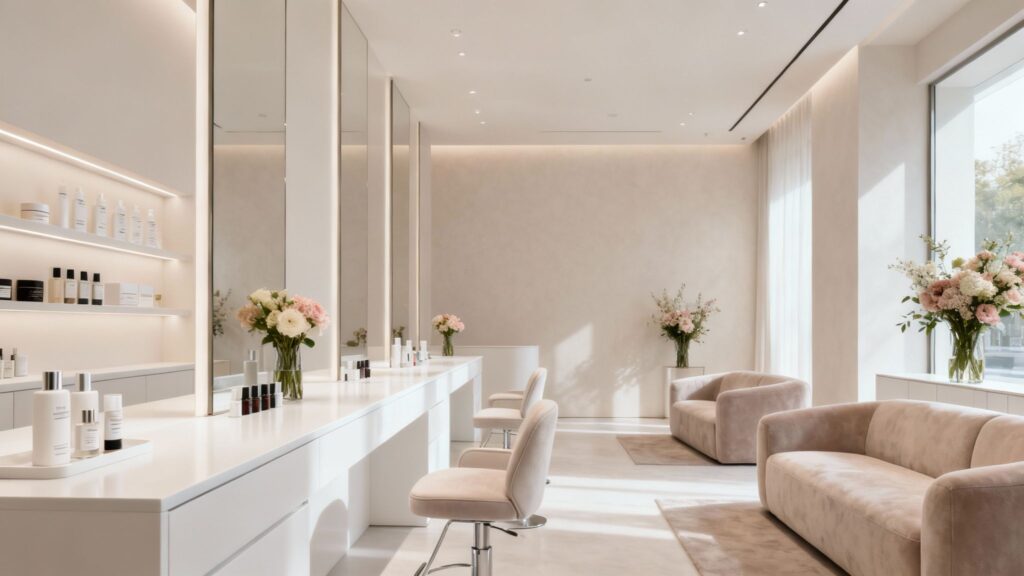
If you’re looking to build a website for your beauty salon that actually brings people through the door, it can feel a little overwhelming. You want it to look good, work smoothly, and clearly explain why clients should choose you.
This guide is all about how to create a beauty salon website design that does exactly that, using AI and smart digital tools to make the process easier. We’ll cover everything from defining your salon’s unique brand identity to making sure clients can book appointments without any fuss.
Key Takeaways
Define your salon’s unique brand identity clearly, including your vision and who you want to attract, to build a strong foundation for your website.
Choose a website template and layout that looks good and is easy for clients to use, making sure navigation is simple and clear.
Showcase your services and products with great photos and clear descriptions so potential clients know exactly what you offer.
Include an easy online booking system that works smoothly, simplifying the appointment process for both you and your clients.
Use your website to build trust by featuring client testimonials and a portfolio of your best work.k.
Defining Your Salon’s Unique Brand Identity
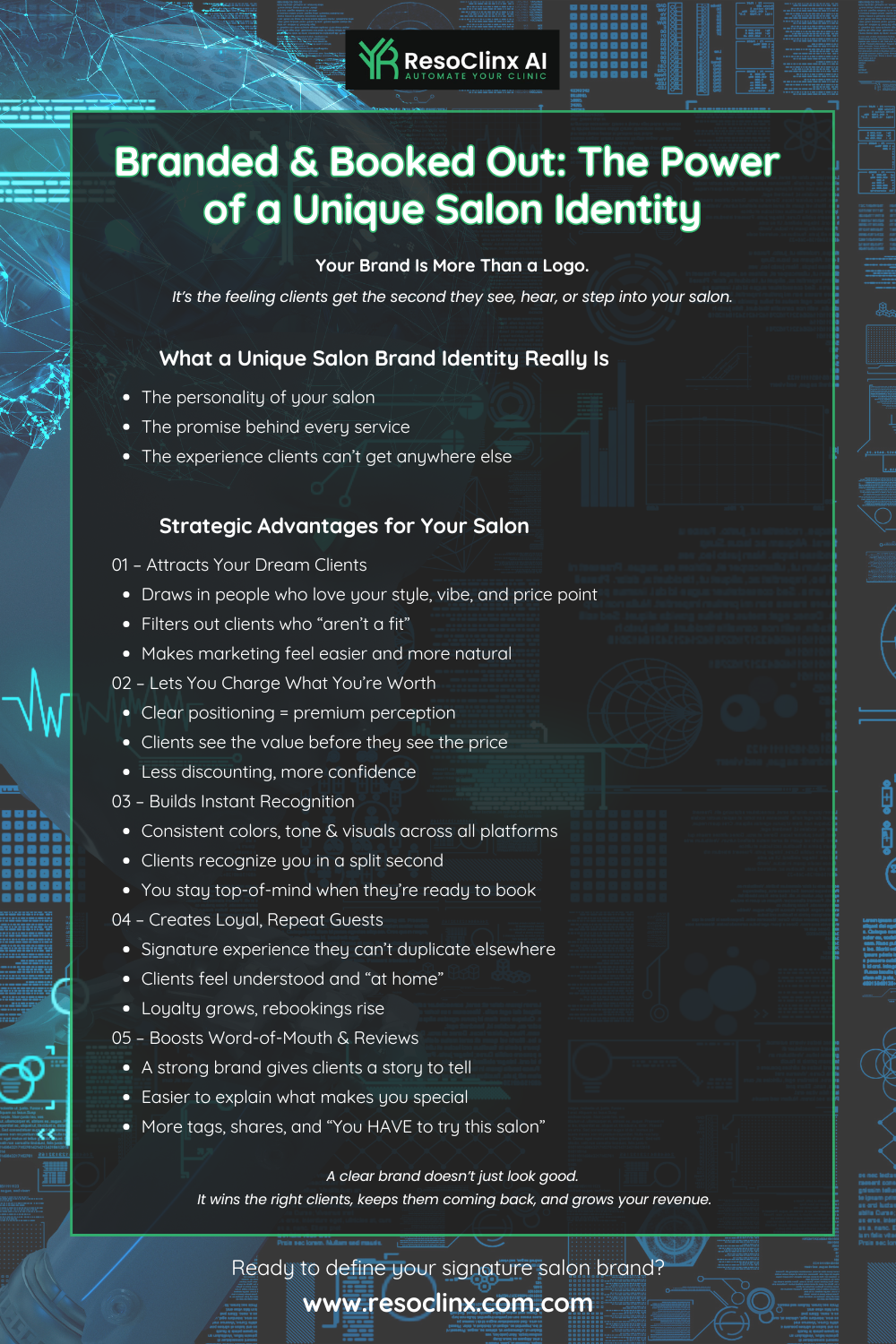
Before you even think about colours, fonts, or photos, you need to be clear on what makes your salon special. This is your brand identity, and it’s the foundation for everything else.
It’s not just a logo or a catchy slogan; it’s the feeling people get when they think of your salon. A strong brand identity helps you attract the right clients and stand out in a crowded market.
Articulating Your Vision and Target Audience
What’s the big picture for your salon? Are you aiming for a luxury, pampering experience, or quick, efficient services for busy professionals?
Think about who you want to attract:
Are they young professionals looking for the latest trends?
A more mature clientele seeking classic, reliable treatments?
Local residents looking for trusted, regular treatments close to home?
Understanding your ideal client means you can tailor your website, services, and messaging to them. It’s like knowing exactly who you’re cooking for before you plan the menu – the clearer the picture, the easier it is to make the right decisions.
Establishing Your Brand Personality with AI
This is where AI becomes genuinely useful. You can use AI tools to help you define your salon’s personality and language. Think of it like having a conversation with a very knowledgeable assistant.
You can describe your values, the atmosphere you want to create, and the services you offer. AI can then suggest:
Words and phrases that match your tone (e.g. “serene”, “expert”, “rejuvenating”)
Colour palettes that fit your vibe (soft pastels, warm neutrals, bold luxury tones)
Suggestions for how to talk about your services and client experience
For example, if you want to come across as calming and professional, AI might suggest softer language and calmer colour schemes, helping you stay consistent across your website.
Ensuring Your Website Reflects Your Mission
Your website is often the first impression a potential client has of your salon. It needs to tell your story and show what you stand for.
If your mission is to provide eco-friendly treatments, your website should reflect that through:
The design and imagery
The language you use
Highlighting sustainable products and ethical practices
Make sure every element – from the About Us page to your service descriptions – aligns with your core values. This consistency builds trust and attracts clients who share your vision.
Here’s a quick way to think about it:
Vision: What do you want your salon to achieve in the long run?
Mission: How will you achieve that vision day-to-day?
Values: What principles guide your decisions and client care?
Personality: What kind of “vibe” does your salon have?
Target Audience: Who are you trying to reach and serve?
Selecting the Perfect Website Template and Layout
Choosing the right template for your beauty salon’s website is much like preparing your reception area for clients – it needs to look good, feel right, and make a strong first impression.
It’s not just about aesthetics; it’s about how the site functions and how easy it is for your clients to use.
Browsing AI-Recommended Salon Templates
AI can be a real help here. Many website builders now use AI to suggest templates based on your industry. For a beauty salon, this usually means designs that already include:
Sections for services and pricing
Image galleries for your work
Booking or contact areas
These templates are often tailored to look professional and inviting, which is exactly what you want.
When looking at these AI suggestions, consider:
Visual Style: Does it match your salon’s vibe – modern, classic, minimalist, luxurious?
Industry Relevance: Does it clearly look right for a beauty or wellness business?
Customisation Options: How easily can you change colours, fonts, and add your logo and imagery?
Assessing Layouts for Functionality and Appeal
Once you’ve got a few templates in mind, it’s time to look closely at the layout – how information is organised on each page.
A good layout makes it easy for visitors to find what they’re looking for without feeling overwhelmed.
Here’s what to check for:
Clear Navigation: Is there a simple menu (usually at the top) that links to Services, About, Gallery, Contact, and Booking?
Service Showcase: Are there dedicated areas to list your treatments, with space for brief descriptions and links to more detail?
Visual Elements: Does the layout make good use of images and videos? For a beauty salon, strong visuals are essential.
Calls to Action: Are there clear buttons or links encouraging people to book an appointment, call, or send an enquiry?
Prioritising User Experience and Navigation
Ultimately, your website needs to be easy and pleasant to use – this is your user experience (UX).
If a client cannot quickly find your opening hours, location, or booking options, they are likely to look elsewhere.
Key points to consider:
Mobile Responsiveness: A large proportion of visitors will view your website on their phones. Your site should resize automatically, with text that’s easy to read and buttons that are easy to tap.
Page Load Speed: A slow website is frustrating. If pages take too long to load, people often give up and leave.
Accessibility: Ensure text has good contrast, font sizes are readable, and important information is easy to access. This makes your site more usable for everyone.
Think of your website layout as the interior design of your salon. It needs to be welcoming, organised, and make clients feel comfortable and confident from the moment they arrive online.Showcasing Your Services and Products Effectively
This is where you can really show off what your salon can do. Your website is your digital shop window – it needs to be clear, attractive, and inviting.
Listing and Categorising Your Offerings
Start by listing all the treatments and products you offer. How you organise this list makes a big difference.
Group similar services together so people can quickly find what they’re looking for. For example:
Facial Treatments
Massage Therapies
Nail Services
Hair Styling
Advanced Skin Treatments (if relevant)
If you sell products, create a separate section for those too, perhaps broken down by type:
Skincare
Haircare
Make-up
Here’s a simple way to think about your offering:
Core Services: The main treatments you’re known for.
Add-ons & Enhancements: Extras that complement core treatments.
Product Lines: Retail items that clients can purchase.
Packages & Deals: Thoughtful bundles that combine popular services.
Crafting Compelling Service Descriptions
Simply listing a service name isn’t enough. Your descriptions need to help clients understand the benefits and what to expect.
Rather than just saying “Haircut”, explain the style, the experience, and the result.
For example, instead of “Manicure”, you might say:
“Revitalising Manicure – A detailed treatment including nail shaping, cuticle care, a soothing hand massage, and your choice of polish for polished, salon-perfect hands.”
Key elements to include in each description:
What it is: A clear, descriptive name.
What it does: The main benefits and results for the client.
What to expect: A brief overview of the process.
Why it’s special: Any unique methods, products, or expertise you use.
Think of your service descriptions as clear explanations of value – informative, honest, and focused on results and experience rather than hard selling.
Utilising High-Quality Visuals for Engagement
People are highly visual, especially when it comes to beauty and aesthetics. Strong visuals help visitors quickly understand the quality of your work.
Consider including:
Before-and-after photos: These are powerful for showing transformations.
Photos of your salon: Give visitors a feel for the environment and atmosphere.
Pictures of your team: Helps build a sense of trust and personality.
Short videos: A quick salon tour, a snippet of a treatment being performed, or a stylist at work.
Aim for images that are:
Well-lit and clear
True-to-life in colour
Representative of the standard you deliver every day
If possible, invest in some professional photography, or learn a few simple techniques to make your visuals look clean and polished.
Integrating a Seamless Online Booking System
Making it easy for clients to book appointments is crucial for any salon. If people have to call only during opening hours or wait for email responses, some will simply go elsewhere.
A good online booking system allows clients to book whenever it suits them, day or night. This improves convenience for them and reduces admin for you.
Simplifying Appointment Scheduling with AI
AI can help you choose and set up a booking system that matches your needs. Instead of manually comparing lots of options, you can use AI tools to narrow down:
Which systems integrate with your website platform
Which features you might need (e.g. staff selection, service categories, automated reminders)
In practice, this means less time managing software and more time focused on delivering a great in-salon experience.
Implementing Calendar Views and Real-Time Availability
When clients visit your website, they should be able to see up-to-date availability. A calendar view with real-time slots makes booking straightforward:
Clients can choose a date and time that suits them.
The system can show which stylists or therapists are available.
Bookings are captured automatically in your calendar.
Most modern systems sync with your existing schedule so that appointments are updated instantly, reducing the risk of double-bookings.
Streamlining Your Salon’s Workflow
An online booking system can improve your entire workflow, not just appointments:
Reception staff spend less time on the phone.
Automatic reminders (by email or SMS) can reduce no-shows.
You can see at a glance how busy specific days or services are.
A strong booking system typically includes:
Ease of Use: Clients can book in just a few clicks.
Calendar Sync: Connects with your salon’s internal calendar.
Automated Notifications: Sends confirmations and reminders.
Service Selection: Clients can choose specific services and staff.
Payment Options: Optionally, clients can pay a deposit or in full online.
Implementing a user-friendly booking system is more than just a convenience; it can improve client satisfaction, reduce administrative work, and make your operations more predictable. It makes the first step – booking an appointment – as straightforward and reassuring as the in-salon experience itself.
Optimising Your Website for Search Engines
Getting your beautiful salon website seen by the right people is the next big step. Search engines like Google work a little like a busy high street – you want your salon to have a clear, attractive shop front and be easy to find.
This is where Search Engine Optimisation (SEO) comes in. It’s all about making your website easy for search engines to understand, so that when someone nearby searches for services you offer, your salon has a better chance of appearing.
Improving Online Visibility with SEO Strategies
To get noticed online, you need to use the words and phrases that potential clients actually type into search engines. These are your keywords.
Think about:
The services you offer (e.g. “balayage colouring”, “gel nails”, “skin treatments”)
Your location (e.g. your town, area, or city centre)
Here’s how to get started:
Keyword Research: Use keyword research tools or Google’s own search suggestions to see what people are actually looking for. Focus on terms that fit your services and location.
On-Page Optimisation: Include those keywords naturally in your page titles, headings, service descriptions, and meta descriptions. Avoid keyword stuffing – it should still read well for humans.
Content Matters: Regularly add fresh, useful content to your site. This could be blog posts on beauty trends, aftercare tips, or explaining new treatments. Regular updates help search engines see your site as active and relevant.
Image Optimisation: Use descriptive file names and alt text for your images. For example, instead of
IMG_1234.jpg, usebridal-hair-updo-salon-town.jpg, and alt text such as “Bridal hair updo at beauty salon in [Your Town]”.
Leveraging Local SEO for Client Discovery
For salons, local searches are especially important. Most of your clients will look for services close to home or work.
Key elements of local SEO include:
Google Business Profile: Claim and complete your free Google Business Profile so your salon appears in Google Search and Maps. Ensure your address, phone number, opening hours, and website are accurate and consistent. Encourage clients to leave honest reviews, as these help your profile stand out in local results.
Local Keywords: Weave your town, city, or neighbourhood names into your content. Phrases like “brows and lashes in [Area]” or “massage therapist in [Town]” can help.
Local Listings: Make sure your salon is listed in relevant local directories and that your contact details match what’s on your website.
Enhancing Discoverability for Local Searches
Beyond the basics of local SEO, consider how people find you when they are on the move.
In particular, mobile optimisation is vital, as many local searches happen on smartphones:
Mobile-Friendly Design: Your website should be easy to use on phones and tablets, with clear text, simple navigation, and tap-friendly buttons.
Page Speed: Slow pages put people off. Optimise your images and avoid unnecessary elements that slow loading down.
Clear Contact Information: Make sure your phone number, address, and opening hours are easy to find on every page, ideally in the header or footer. A simple map on your contact page is also very helpful.
Building Trust Through Client Testimonials and Portfolios
Potential clients want to see proof that you deliver great results. Showcasing your best work and sharing genuine client feedback helps build trust before they even step through the door.
Showcasing Your Best Work with High-Quality Photos
Your salon’s website is your virtual gallery. Make it shine by displaying your most impressive transformations and styles.
Consider:
Before-and-after photos to demonstrate results.
A variety of looks and treatments, from subtle enhancements to full makeovers.
Images that represent the types of clients you typically help.
Treat this section as your visual portfolio – it should be easy to browse and clearly show the standard of your work.
Gathering and Displaying Client Testimonials
Reviews and testimonials are one of the strongest forms of social proof. Genuine feedback helps potential clients feel more confident in booking with you.
Practical steps:
Ask for reviews: After a positive appointment, politely ask clients if they would be happy to leave a review.
Make it easy: Provide a direct link to your Google Business Profile review section or a simple testimonial form on your site.
Feature them prominently: Create a Testimonials section or page on your website. Short, specific comments work well.
Acknowledge feedback: Respond professionally to both positive and negative reviews, showing that you listen and care.
Creating a Professional Portfolio That Converts
Your portfolio is more than just a collection of images – it’s a way to guide visitors towards booking the right service.
To make it effective:
Categorise your work: Group images by service type, such as bridal hair, evening make-up, skin treatments, or colour corrections.
Use clear captions: Briefly explain what service was performed (e.g. “Full set of hybrid lashes and brow shape”).
Highlight signature services: Put extra focus on the treatments you want to be known for.
Check mobile display: Ensure the portfolio looks good and is easy to scroll through on smaller screens.
Leveraging AI for Enhanced Client Experience
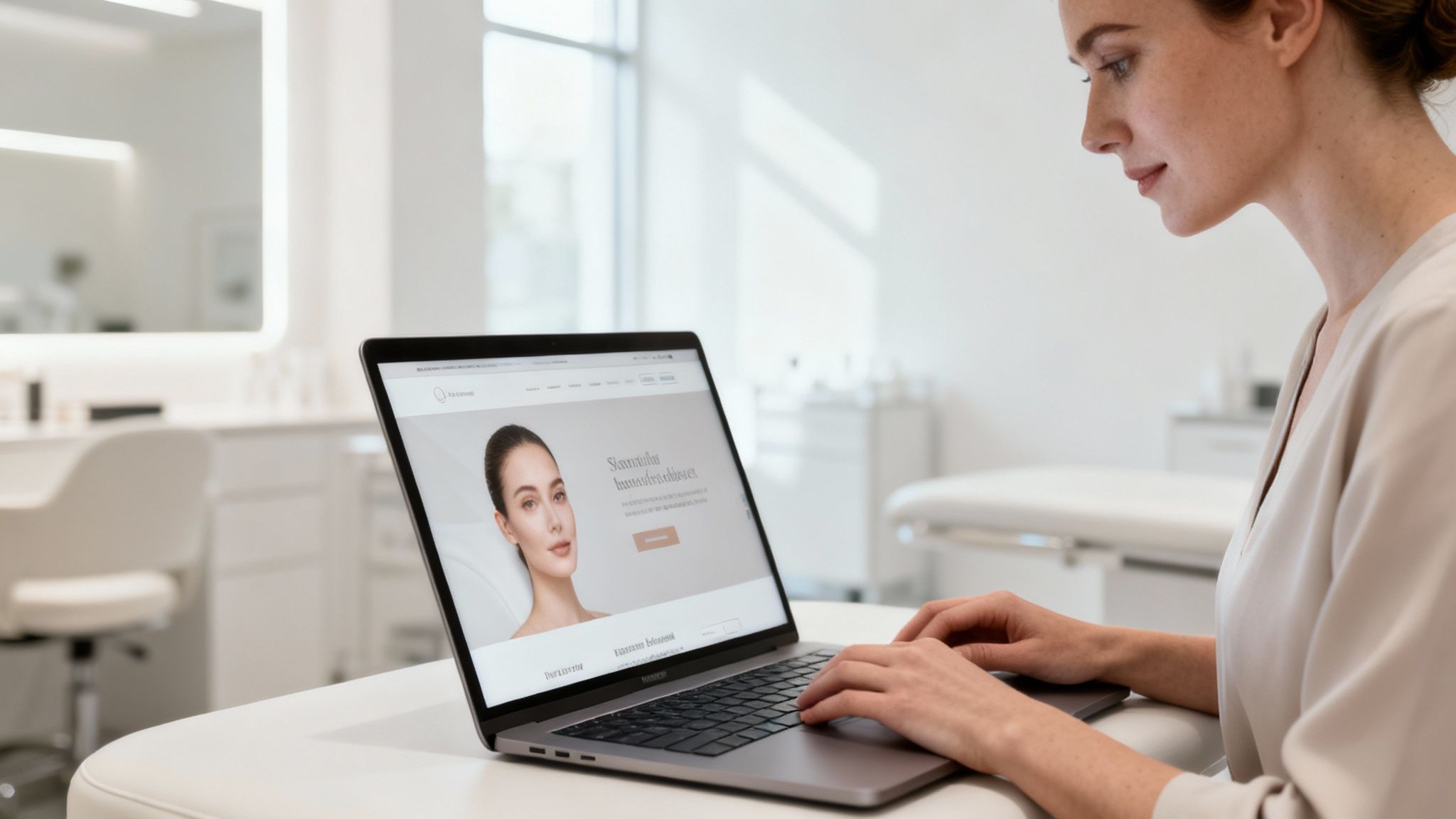
It’s not just about having a good-looking website; it’s about making every interaction feel personal and effortless. This is where AI can help you enhance the client experience and streamline behind-the-scenes tasks.
Personalising Client Interactions with AI Insights
Clients appreciate it when you remember their preferences – whether that’s a specific shade, a favourite therapist, or a skin sensitivity.
AI tools can:
Analyse appointment history and past services
Highlight patterns and preferences
Help you remember products used, styles chosen, or treatment intervals
This allows you to:
Make more personal recommendations
Anticipate when a client might be ready for a top-up or follow-up
Offer a more tailored experience, which supports long-term loyalty
Automating Communications and Recommendations
Nobody likes waiting for replies or missing important information. AI-powered tools can take care of many routine communications, so your team can focus on in-salon care.
They can help you with:
Instant responses: Chatbots answering common questions about services, pricing, and opening hours, especially outside normal working times.
Appointment reminders: Automatic text or email reminders to reduce missed appointments.
Follow-up messages: Gentle follow-ups after treatments, such as aftercare reminders or invitations to book the next visit.
Using AI for communication is not about removing the human touch – it’s about making sure the human touch is better informed and more consistent.
Utilising AI for Tailored Treatment Suggestions
Every client is unique, and their treatments should reflect that. AI can use information like skin type, hair condition, or previous services to suggest treatments that might suit them best.
For example:
Client Profile Aspect | AI Suggestion Example |
|---|---|
Skin Type: Oily | Deep pore cleansing facial |
Hair Concern: Dry | Hydrating hair mask treatment |
Past Service: Colouring | Gloss treatment to maintain vibrancy |
By making specific, relevant suggestions, you show clients that you understand their individual needs and are committed to supporting long-term results, not just one-off appointments.
Bringing It All Together
Creating a stunning beauty salon website does not have to be a headache. By using AI tools thoughtfully, you can make the entire process smoother and more effective.
It’s about:
Making your online presence visually appealing and clear
Ensuring your site is simple to navigate and easy to book from
Showcasing your services, results, and expertise
Using local SEO and Google Business Profile to help clients find you
Leveraging AI to personalise the experience and simplify admin
Think of your website as your salon’s digital front desk – it should be welcoming, informative, and straightforward to use. With a considered approach to design, content, and client experience, your website can genuinely support your business and help you attract more of the right clients over time.