

Thinking about bringing some automation into your clinic? It’s a smart move. Clinics are busy, and anything that makes daily operations smoother is a big win.
This guide walks you through how to implement clinic workflow automation step by step, without it feeling overwhelming.
We’ll cover the basics, planning, rollout, and how to keep improving your system over time.
Key Takeaways
Identify bottlenecks first. Figure out which parts of your clinic’s daily work take too much time or cause frequent errors. These are your best starting points for workflow automation.
Choose the right platform. Pick a system that fits your clinic’s size and needs, is easy to use, and integrates with your existing tools (like your EHR) instead of complicating them.
Involve your team early. Get staff buy-in, explain the benefits clearly, and provide proper training so everyone feels confident using the new tools.
Start small, then scale. Don’t automate everything at once. Begin with one or two key processes, test them, refine them, and then expand.
Monitor and optimize. Track performance, gather feedback, and be ready to adjust workflows so automation continues to support, not slow down, your clinic.
Understanding The Foundations Of Clinic Workflow Automation

Getting to grips with clinic workflow automation might sound like a big task, but it’s really about making day-to-day operations run smoother for everyone. Think of it as cleaning up and organizing your clinic’s routines so the most important work – patient care – gets more of your team’s time and focus.
It’s not about replacing people. It’s about giving your staff better tools so they can work smarter, not harder. When done right, automation reduces stress, cuts down on errors, and creates a more consistent experience for patients.
Defining Workflow Automation For Your Practice
So, what exactly is workflow automation in a clinic setting?
Simply put, it’s using technology and software to handle repetitive, rule-based tasks that typically take up staff time. This might include:
Sending appointment reminders
Updating patient records
Processing digital intake forms
Sending follow-up messages after visits
The goal is to take these predictable tasks and let software handle them automatically. That way, your team can focus on things that truly need a human touch, like direct patient care, clinical decision-making, and building patient relationships.
If a task feels like “Groundhog Day” – you do the same thing, the same way, every day – it’s likely a strong candidate for automation.
Identifying Key Areas For Automation
Where should you start?
Most clinics share a few key areas where workflow automation can have an immediate impact. Look for tasks that:
Happen frequently
Follow clear steps
Involve copying or moving information
Some powerful starting points include:
Patient Onboarding:
Streamline the whole process from initial contact to form completion. Use digital intake forms patients can complete at home or on their phone before arriving.Appointment Management:
Automate reminders, confirmations, and cancellation handling. This reduces no-shows, keeps your schedule full, and saves reception staff a lot of time.Record Keeping:
Automate parts of data entry, such as transferring information from online forms directly into your EHR, and updating basic contact details to reduce errors.Communication:
Automatically send follow-up instructions, appointment summaries, recall reminders, and general clinic updates via SMS or email.
A simple guiding question:
“Does this task follow a clear, repeatable set of steps?”
If yes, it’s likely a good automation opportunity.
Focus first on high-volume, rule-based tasks that don’t need complex judgment. These are your low-hanging fruit that provide quick wins and help build momentum and confidence in automation.
Setting Clear Objectives For Implementation
Before selecting any software, get crystal clear on what you want to achieve. Without clear goals, it’s hard to know if your clinic workflow automation is actually working.
Instead of vague goals like “save time,” define specific, measurable objectives, such as:
Reduce appointment no-shows by 15% within six months.
Cut manual data entry time by 20% in the first quarter.
Improve patient satisfaction scores related to communication by 10% over the next year.
These kinds of SMART goals give your team a shared direction and make it easier to track return on investment (ROI). They also help you prioritise which workflows to automate first.
Strategic Planning For Automation Integration

Before you start clicking buttons or signing contracts, you need a clear picture of how your clinic operates today. Many clinics rush into buying software without fully understanding their existing workflows—and that’s where frustration begins.
This stage is about laying the groundwork so that automation improves your processes instead of speeding up broken ones.
Mapping Current Clinic Workflows
Think of this as drawing a map of your clinic’s daily operations. From the moment a patient books an appointment to the time their bill is paid, you want to understand:
Who does what
In what order
With which tools or systems
Key things to look for:
Identify bottlenecks:
Where do things slow down or get stuck? Check-in? Billing? Waiting for approvals or test results?Track time spent:
How long does each step take? This helps highlight where automation can save the most time.Spot recurring tasks:
Anything done over and over in the same way is a prime automation candidate.Understand dependencies:
What has to happen before the next step can start? This is critical when building automated workflows.
Remember:
Automating a broken process just makes the problems happen faster.
Get your workflow mapping right, and you’re already far ahead.
Assessing Staff Readiness And Training Needs
Technology is only as effective as the people using it. Before you roll out any automation tool, take a realistic look at your team’s tech comfort level and training needs.
Consider:
Gauge tech comfort:
Use quick surveys or informal chats to understand who feels confident with new tools and who might need more support.Identify skill gaps:
Does anyone need help with basic computer skills, using cloud systems, or navigating EHR/automation platforms?Clarify role changes:
How will automation affect each role? For example, reception staff may shift from data entry to more patient-facing tasks.
Planning for training early helps reduce resistance and builds confidence.
Selecting The Right Automation Platform
Once you understand your workflows and team, you’re ready to evaluate automation platforms. Don’t choose solely based on price or flashy features. Focus on:
Integration with your existing EHR/CRM
Ease of use for your team
Data security and compliance (e.g., HIPAA/GDPR where applicable)
Support and training provided
Here’s a simple comparison framework:
Feature | Your Clinic’s Need | Platform A | Platform B | Platform C |
|---|---|---|---|---|
Appointment Scheduling | High | Yes | Yes | No |
Patient Reminders | High | Yes | No | Yes |
Data Security (HIPAA) | Critical | Yes | Yes | Yes |
Integration with EHR | High | Yes | No | Yes |
Ease of Use | High | Medium | High | Low |
Choosing the right platform is about finding a partner that fits your clinic’s unique needs and helps your team work smarter, not harder.
Look for systems that offer good support and training, because that’s where a lot of the success lies.
Implementing Core Automation Components
Once you’ve planned everything out, it’s time to put clinic workflow automation into action.
At this stage, you’ll focus on practical building blocks like patient data management, appointment automation, and patient communication.
Optimising Patient Management And Data Security
Patient information sits at the heart of your clinic. Automating how this data is collected, stored, and accessed can:
Save significant time
Reduce human error
Strengthen data security and compliance
Examples of automation in patient management:
Digital Intake Forms:
Patients fill out secure online forms before their visit. Data is automatically sent to the EHR, avoiding manual re-entry.Centralised Records:
Integrating your CRM and EHR creates a single, up-to-date view of each patient—contact details, appointment history, and care plans.Role-Based Access Control:
Only authorised staff see the information relevant to their role, reducing the risk of unintentional data exposure.Audit Trails:
Automatic logs show who accessed what and when, which is essential for HIPAA and other compliance requirements.
Modern automation platforms often offer encryption, secure cloud storage, and access logs by default. Always confirm these features when evaluating tools.
Streamlining Appointment Scheduling And Reminders
Appointment scheduling is one of the most impactful areas to automate.
Instead of staff manually booking, chasing confirmations, and calling patients to remind them, an automated system can:
Allow patients to book online based on real-time availability
Send instant confirmation emails/SMS
Send automated reminders 24–48 hours before the appointment
Offer easy rescheduling via link or reply
Fill vacant slots using a waitlist system
Benefits include:
Reduced no-shows and late cancellations
More predictable schedules
Less time spent on the phone by your front desk team
A more convenient experience for patients
Even a simple automated reminder system can quickly show measurable results in no-show reduction and revenue protection.
Automating Communication And Engagement
Consistent communication builds trust and keeps patients engaged with their care.
Automation can help you:
Send post-appointment follow-ups (e.g., “How are you feeling today?” or feedback surveys)
Share aftercare instructions and educational content
Automate recall reminders for annual check-ups or follow-up visits
Run targeted campaigns (e.g., promoting new services to specific patient groups)
Examples of automated communication:
Post-Appointment Follow-ups:
After each consult, trigger an SMS or email checking in and linking to a short satisfaction survey.Educational Content:
Automatically send condition-specific resources (videos, PDFs, FAQs) after a diagnosis or procedure.Recall and Preventive Care Reminders:
Lightweight automations that remind patients when they are due for screenings, vaccinations, or check-ups.
This type of automated engagement improves patient experience, supports adherence to treatment plans, and strengthens loyalty.
Ensuring A Smooth Transition And Adoption
Bringing in automation is as much a people project as a tech project. You want your team to feel supported, not blindsided.
A thoughtful rollout plan prevents overwhelm and builds steady adoption.
Developing A Phased Rollout Strategy
Trying to change everything at once can feel overwhelming for everyone. A better approach is to roll out the new systems bit by bit.
This way, staff can get used to one change before the next one comes along. It also means we can fix any early problems without disrupting the whole clinic.
Here’s a way to think about it:
Start Small: Pick one or two key areas that will benefit most from automation, like appointment reminders or initial patient intake forms. Get these working smoothly first.
Gradual Expansion: Once the initial phase is successful and staff are comfortable, introduce automation to other areas. This could be patient communication or internal task management.
Full Integration: Continue this process until all desired workflows are automated. This step-by-step method builds confidence and reduces the chance of major disruptions.
Providing Comprehensive Staff Training
Training is crucial for adoption. Even the best tool fails if people don’t know how (or why) to use it.
Plan for:
Role-Specific Training:
Receptionists, nurses, doctors, and admin staff will use the system differently. Tailor training to what each role actually does.Hands-On Practice:
Allow staff to test the system in a safe “sandbox” environment using realistic scenarios.Super Users / Champions:
Identify a few team members who pick things up quickly and train them as on-site champions. They become the go-to helpers for colleagues.
When staff feel supported and capable, they’re much more likely to embrace automation instead of resisting it.
The goal is to make the technology work for your team, not the other way around. When staff feel supported and capable, they’re more likely to embrace the changes.
Managing Change And Encouraging Buy-In
Change can be uncomfortable. To get strong buy-in:
Communicate clearly and often:
Explain the “why” behind automation—less admin, fewer errors, better patient care.Highlight benefits:
Emphasise how it will reduce repetitive work, protect staff from burnout, and make patient interactions smoother.Invite feedback, don’t just announce changes:
When people feel heard, they are more open to new systems.Celebrate small wins:
Share early successes like reduced no-shows or positive patient feedback to build momentum.
Testing, Refinement, And Continuous Improvement
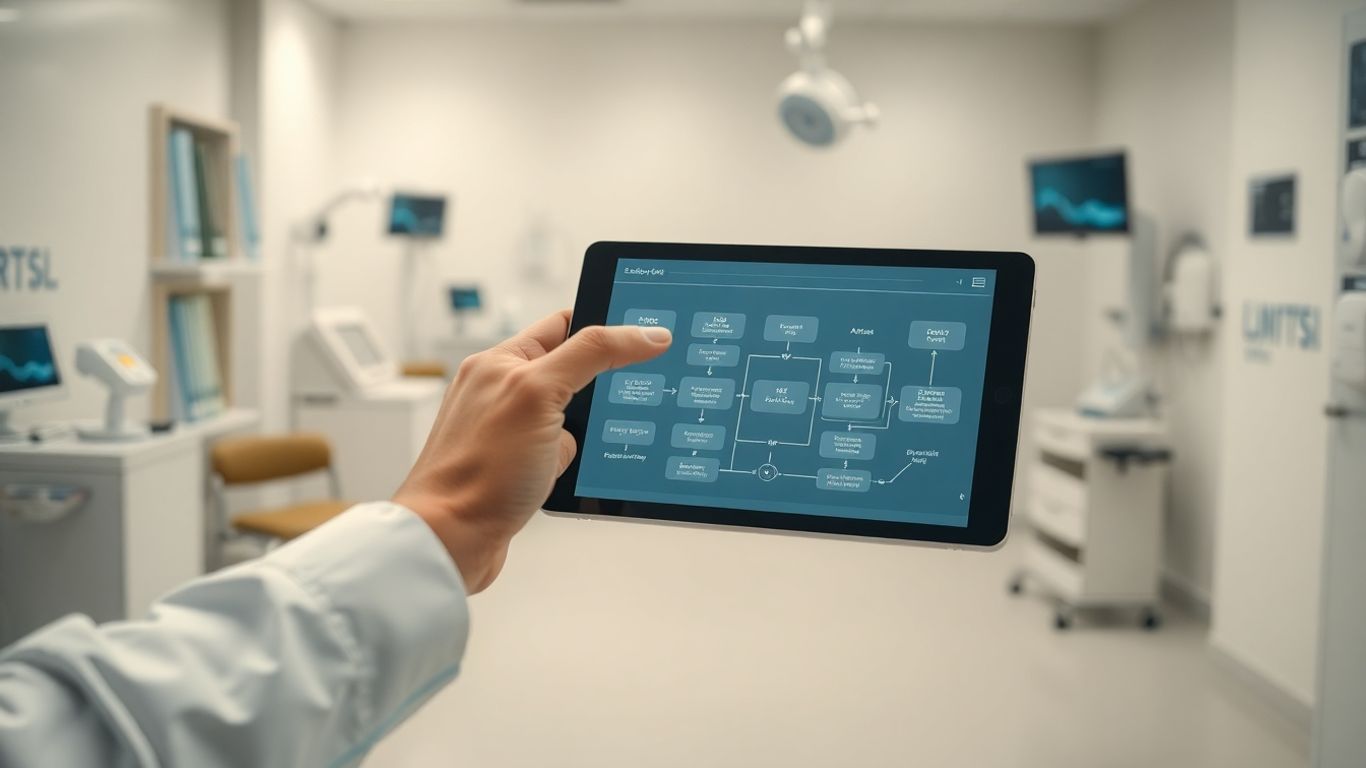
Implementing automation isn’t a one-time project. It’s an ongoing process of testing, improving, and adapting as your clinic evolves.
Conducting Pilot Testing For Workflows
Before fully rolling out a new automated workflow, run a pilot:
Define the scope:
Which specific process are you piloting (e.g., new patient intake, referral tracking)?Select participants:
Include a mix of staff roles and a manageable number of patients.Set success metrics:
For example, time saved, error reduction, or patient satisfaction.Establish a timeline:
Typically a few weeks to gather meaningful data.
Pilot testing helps you catch issues early and build confidence in the system before scaling.
Gathering User Feedback For Enhancements
During and after your pilot, and really, on an ongoing basis, you need to listen to the people using the system. Your staff are the ones on the front lines, and they’ll have the best insights into what’s working and what’s not.
Set up easy ways for them to give feedback – maybe a simple online form, a dedicated email address, or even just regular check-ins during team meetings.
Ask specific questions: Was this step confusing? Did this automation save you time? Is there anything that made your job harder? This feedback is gold for making improvements.
Here’s a look at common feedback areas:
Area of Feedback | Example Observation |
|---|---|
Ease of Use | “The new reminder system is a bit clunky to navigate.” |
Time Savings | “This automated referral process saved me an hour today!” |
Accuracy | “The system incorrectly flagged a patient as overdue.” |
Patient Experience | “Patients seem happier with the quicker check-in.” |
Establishing Ongoing Monitoring And Adaptation
Automation is not “set it and forget it.”
Schedule regular reviews (e.g., quarterly) to check:
Are no-shows still trending down?
Is staff admin time actually decreasing?
Are there any new bottlenecks created upstream or downstream?
Do new services, regulations, or patient needs require workflow changes?
By continually monitoring and adjusting, you ensure your automation stays aligned with your clinic’s goals and delivers lasting value.
Maximising Benefits Through Best Practices

With your systems in place, it’s time to make sure you’re truly getting the most from your automation, both for your team and your patients.
Prioritising Data Security and Compliance
In healthcare, data security is non-negotiable. Automation must strengthen, not weaken, your compliance.
Best practices include:
Strict access controls:
Use role-based permissions so staff can only access the data needed for their job.Regular audits:
Review system logs and audit trails to spot unusual access patterns or potential issues.Secure data transfers:
Ensure all data moving between systems or third parties is encrypted.Clear breach response plan:
Have a documented, tested process for dealing with any potential data breach.
Ongoing staff training on privacy and security is just as important as having secure software.
Leveraging Automation for Enhanced Patient Care
At its core, clinic workflow automation should improve patient care and experience.
Some direct patient benefits include:
Faster, easier appointment booking via online portals
Timely reminders that reduce stress and missed visits
Proactive follow-ups, so patients feel supported after their appointment
Personalised communication based on their condition or treatment plan
Automation frees your team from repetitive tasks so they can spend more time on face-to-face interactions, clinical thinking, and patient support.
Measuring Success and Demonstrating ROI
To truly maximise the benefits, you need to know if your automation is actually working. This means setting clear goals from the start and tracking key performance indicators (KPIs).
What did you hope to achieve? Reduced administrative time? Fewer errors? Improved patient satisfaction scores? Quantifying these improvements is key to demonstrating the return on investment (ROI) of your automation efforts.
Consider tracking metrics like:
Metric | Before Automation | After Automation | Improvement |
|---|---|---|---|
Average patient wait time | 15 minutes | 8 minutes | 47% |
Staff time on admin tasks | 4 hours/day | 1.5 hours/day | 62.5% |
Appointment no-show rate | 12% | 5% | 58.3% |
Patient satisfaction score | 7.8/10 | 9.2/10 | 17.9% |
Regularly reviewing these numbers will help you identify what’s working well and where further adjustments might be needed. It’s an ongoing process, not a one-off task.
By staying focused on these best practices, you can ensure your clinic not only adopts automation but truly thrives because of it.
Your Path to a Smoother Clinic
You’ve now seen how clinic workflow automation can transform the way your practice runs—from reducing no-shows and admin overload to improving patient communication and data security.
Remember:
Start by mapping your workflows and identifying bottlenecks.
Set clear, measurable goals.
Choose tools that fit your clinic and your team, not just the latest trend.
Roll out changes gradually, with strong training and open communication.
Keep measuring, listening, and refining.
Begin with one or two high-impact workflows, prove the value, and build from there. Soon, you’ll wonder how your clinic ever ran without automation.